Collaborate
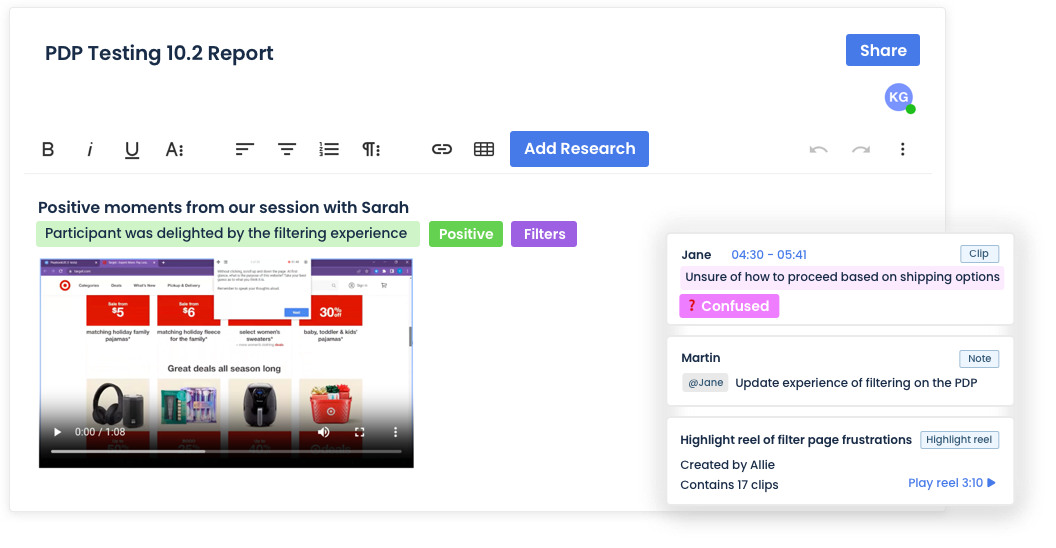
Research is most effective when it’s a team effort. With our unlimited seat model and powerful collaboration features, you can build a research-driven organization that delivers accurate insights with efficiency. Organize projects with workspaces, comment on test scripts, take real-time notes, build tagging structures, and collaborate on reports—just to name a few!
Customer Success That Drives Your Growth
Your dedicated customer success manager and support team are focused on helping your organization achieve its research goals. Whether you need guidance on best practices, assistance with study design, or support managing utilization, our experts are here to ensure you stay on track and meet your deadlines. With PlaybookUX, you get more than just a tool—you gain a trusted partner in your research journey.
Unmoderated testing
Get fast, video-based feedback on websites, prototypes, mobile apps, messaging, concepts, and more.
Easily configure both qualitative and quantitative questions for participants to answer as PlaybookUX records their face, voice, and screen.
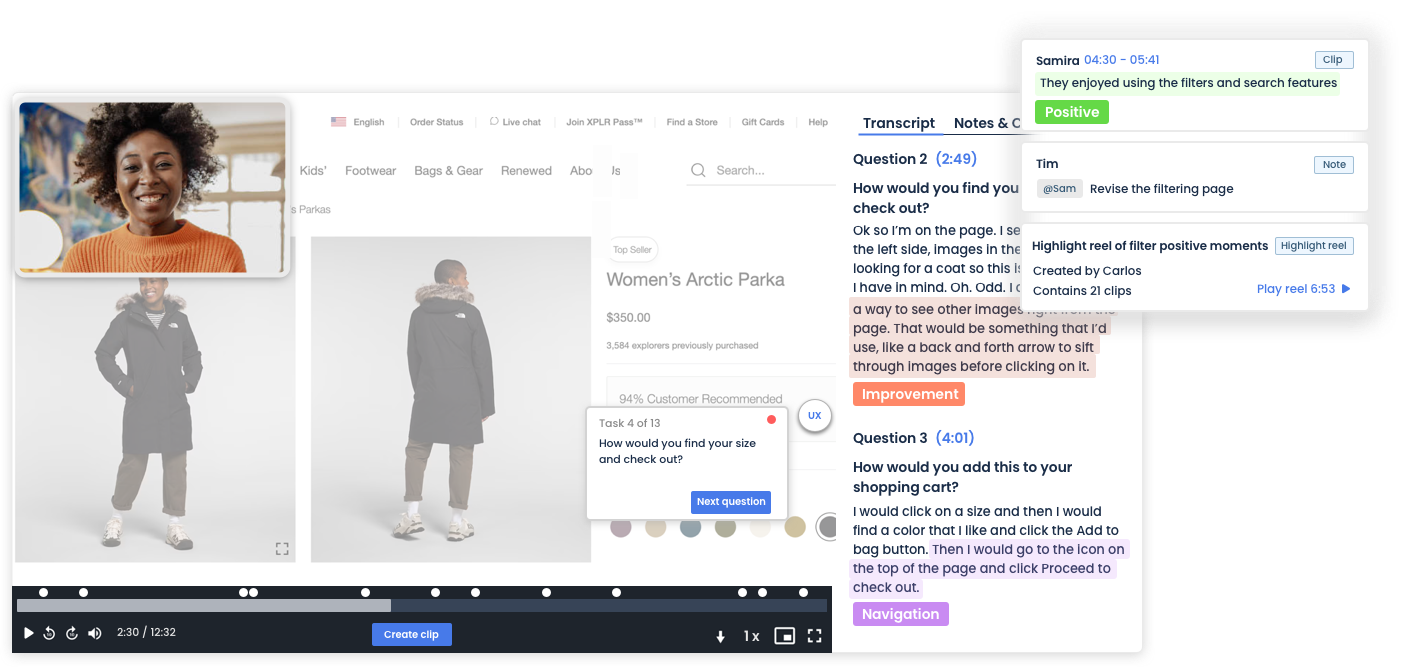
After the session, take advantage of our powerful video player controls, view time-stamped transcripts, add notes and tags, mention team members, clip key moments, and create shareable highlight reels. Everything you need to analyze and share insights is all in one place.
Moderated Interviews
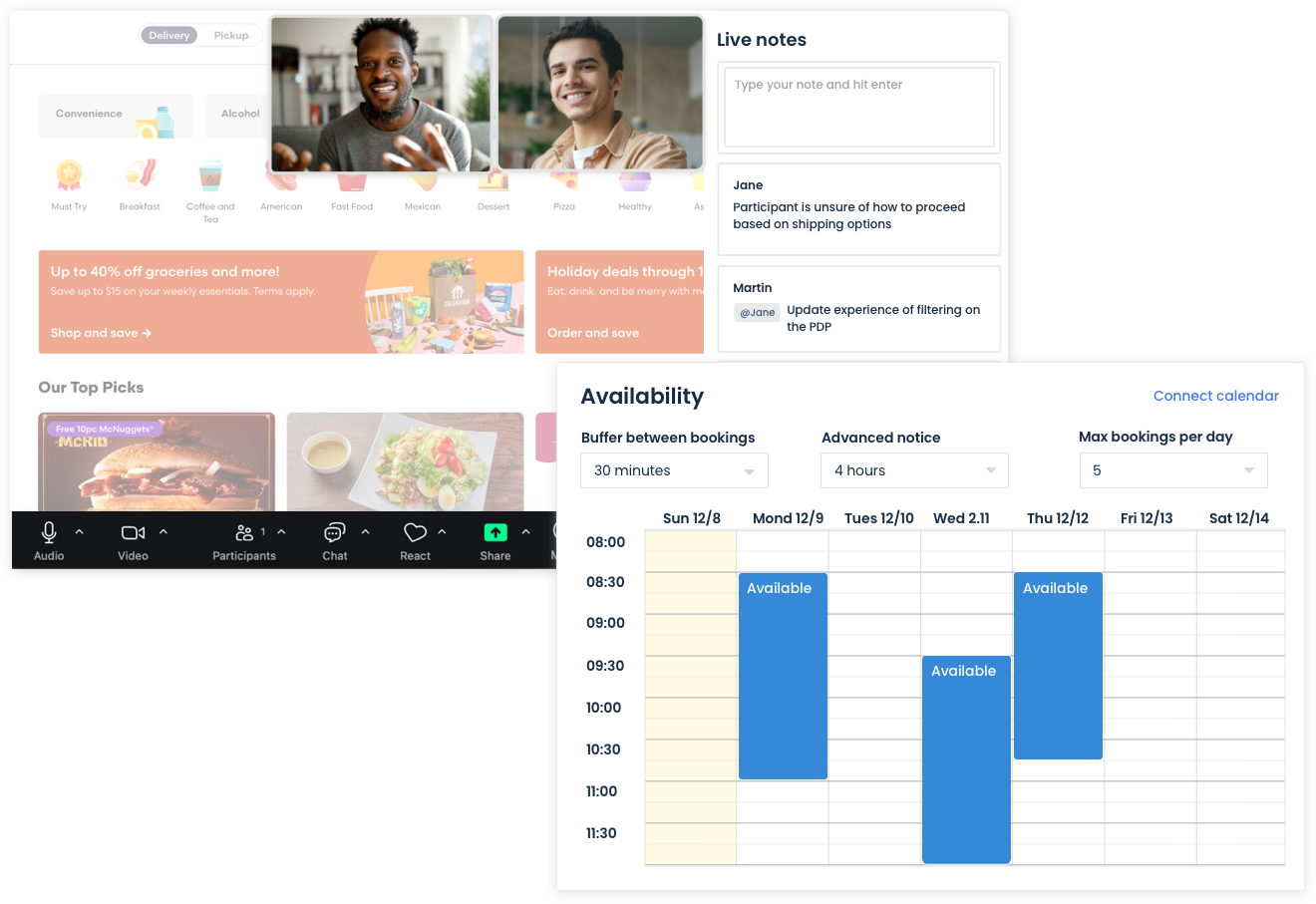
Easily schedule participant sessions using our built-in scheduler, complete with advanced settings.
Have a large team? No problem—invite them as hidden observers to watch the session in real-time. During and after the session, take time-stamped notes that are visible only to moderators and observers.
Once the session is complete, access time-stamped transcripts, broken down by speaker. You can create clips, add tags, and compile highlight reels to easily share key moments with stakeholders.
Card sorting
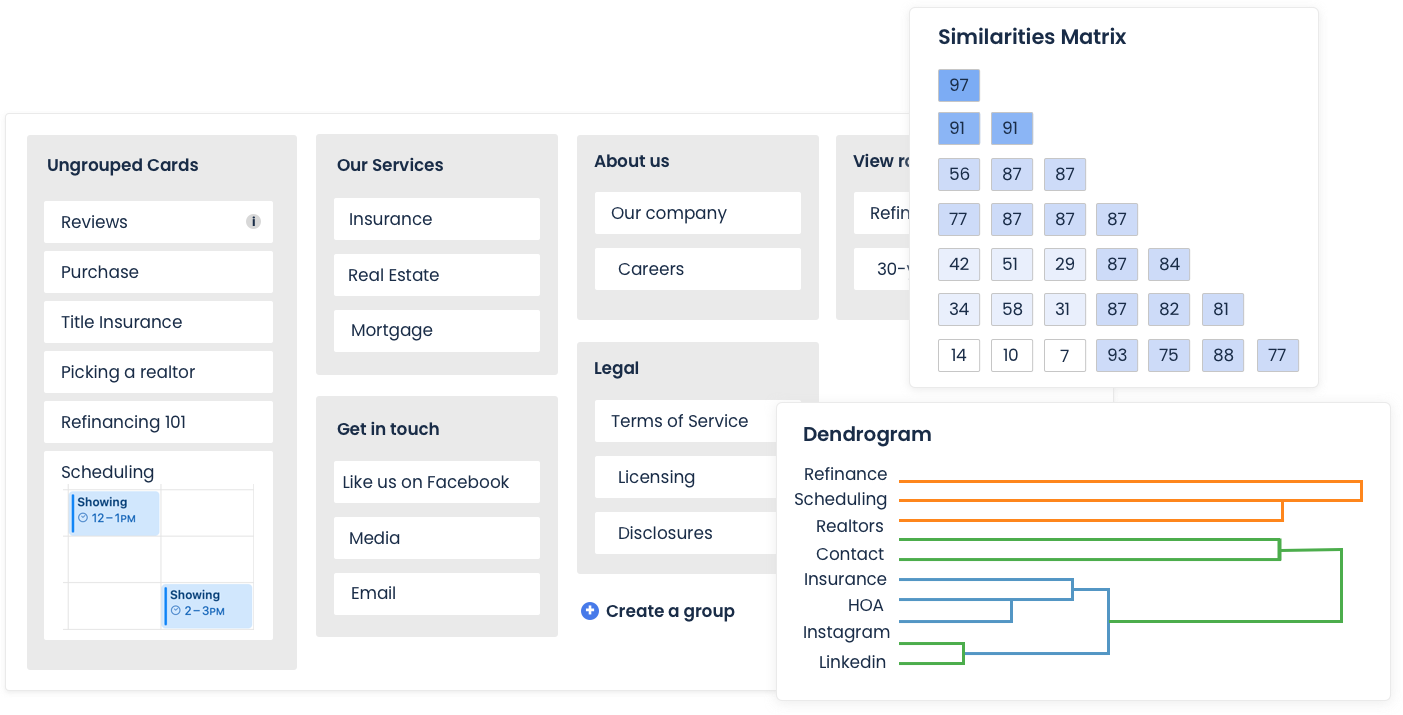
The PlaybookUX card sorting tool supports open, closed and hybrid card sorts. Upload images to cards, personalize study instructions and enable advanced settings, like card & category randomization to reduce bias.
After the session, view a breakdown by cards and categories, while merging categories that are similar to view patterns. Visualize the correlations between cards with the similarity matrix and dendrograms.
Tree testing
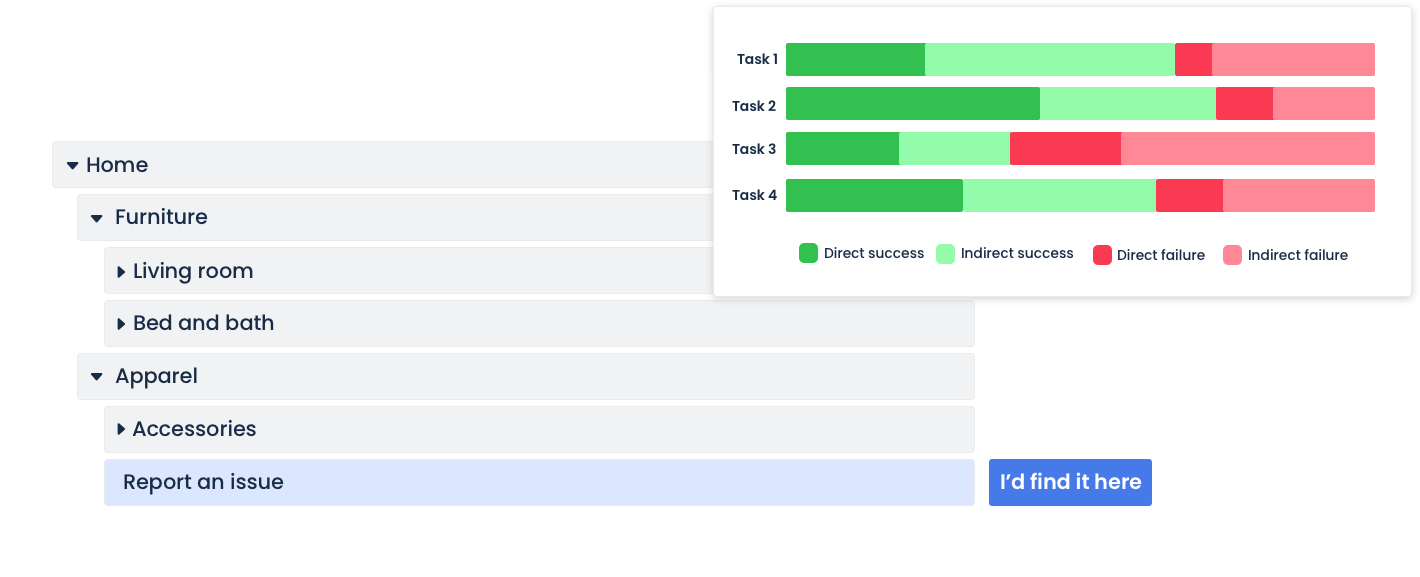
Configure your tree, define success paths, customize instructions, and include both qualitative and quantitative follow-up questions.
After the session, view high level task success metrics, review participant paths and perform a first click analysis.
Surveys
Switch your survey provider and have all of your qualitative and quantitative data in one place, while getting fast results from large sample sizes.
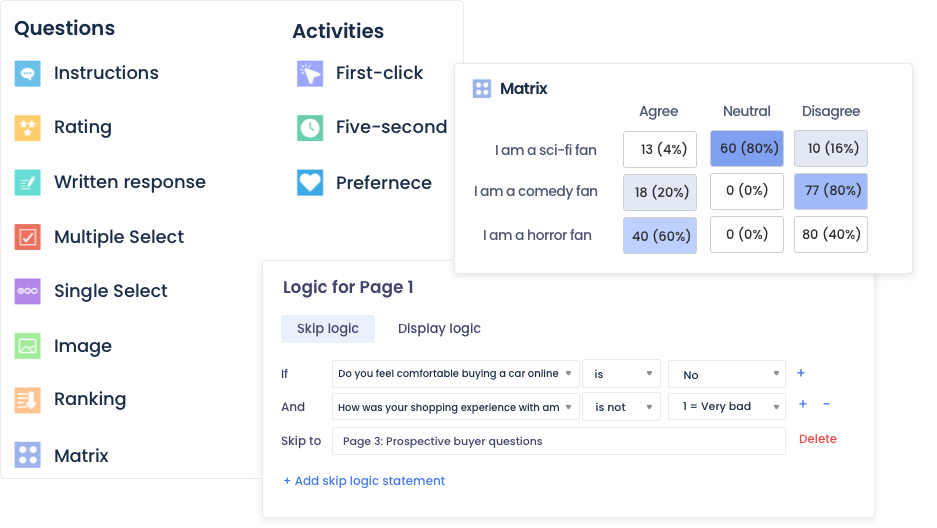
Ask a wide range of questions, including multiple choice, single choice, open-ended, ratings, rankings, matrix, image-based questions, and more.
Set up advanced logic like skip logic, branching, and display logic.
Analyze real-time results with intuitive charts and graphs, and filter data by persona, demographics, screener questions, and test responses for deeper insights.
First Click Testing
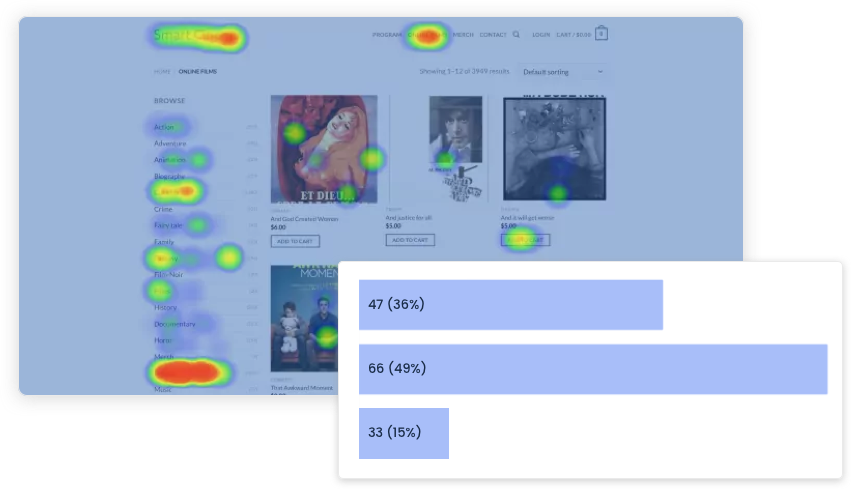
First-click testing helps you validate digital assets. Simply upload an image, add a custom prompt, and include follow-up questions to gather deeper insights.
After the session, analyze your results using heat maps and click maps to see where users focus their attention and how they interact with your design.
Five second testing
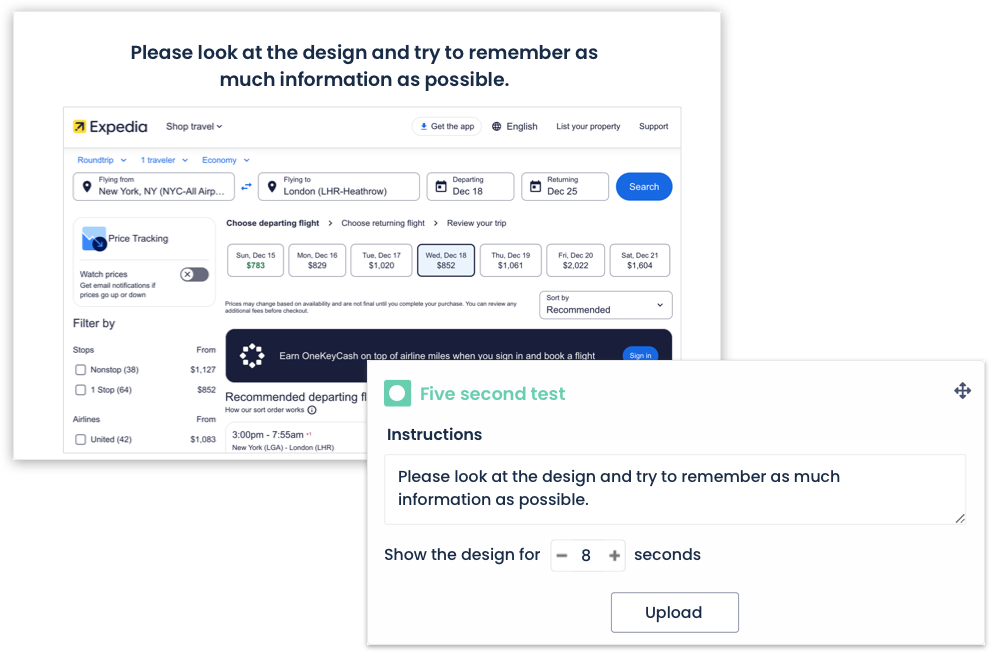
Upload an image and customize the question prompt. Even though it’s called a five-second test, you can configure how long we’ll show the image to participants. Follow up your five-second test with other survey questions for additional insights.
Preference Testing
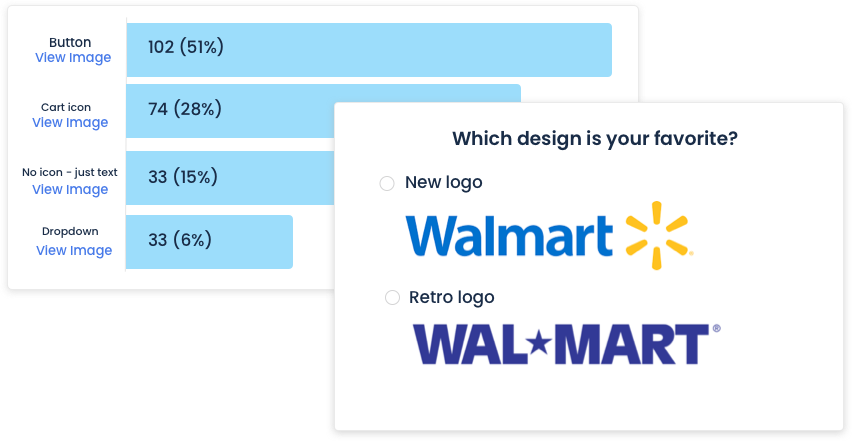
Understanding user preferences helps you enhance experiences and avoid decisions that don’t align with customer needs.
Upload up to 20 designs per preference test, and add follow-up survey questions. Then, analyze the results with clear visualizations to make data-driven decisions.