
Your all-in-one moderated tool for user research
If you're looking for a user experience tool built for moderated interviews and research, PlaybookUX gives you everything in one place: live video sessions, an integrated scheduler, a 7M+ participant panel, fraud detection, and AI-powered analysis without the complexity or high costs.
- Access to all testing methods: Unmoderated, Moderated, Card Sort, Tree Test, Surveys, First Click, Five Second, Preference Test (computer, tablet and mobile)
- PlaybookUX panel access to 7M+ Consumers & Professionals
- Scheduler with advanced settings & configurations
- Built-in video conferencing with live notes
- Hidden & invisible observers
- Participant CRM to bring your own participants
- Repository features: Transcription, tagging, universal search, upload external research
- Advanced AI features
- In-product intercepts
Get in touch
No commitment required. See PlaybookUX in action with your own research questions.

Built-in Moderated Interview Platform
Every step of the moderated research process in one platform. Recruit, schedule, conduct, and analyze.
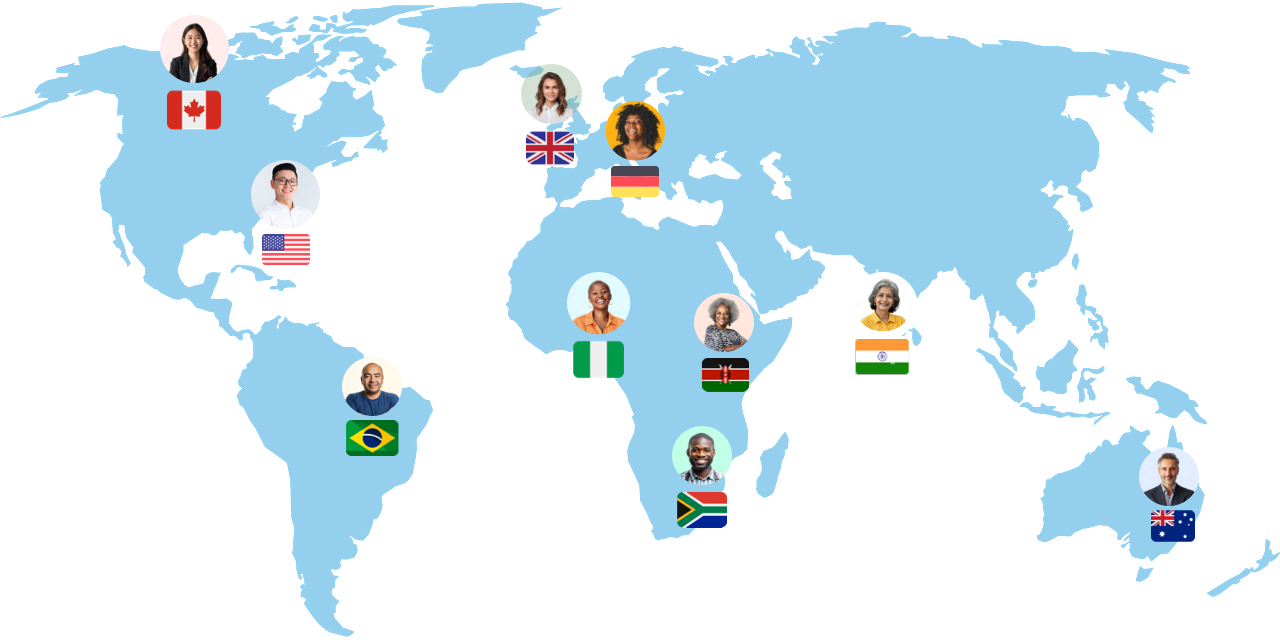
Recruit Research Participants
- 7M+ global consumer & professional panel
- Targeting by demographics, job title, behavior, and more
- Screener questions
- Bring Your Own Participants (BYOP) via Participant CRM
Schedule Moderated Research Sessions
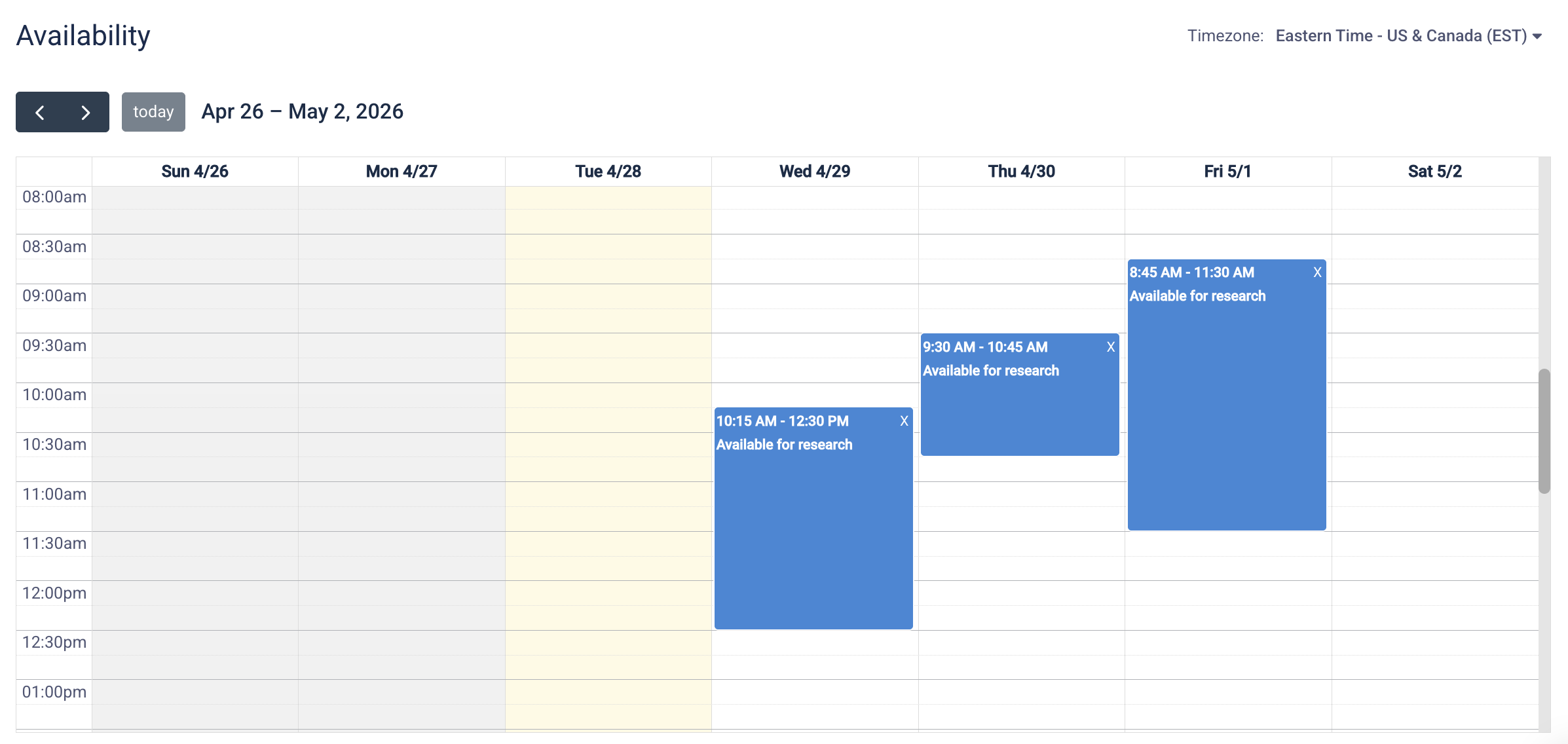
- Built-in scheduler with calendar sync
- Buffer time
- Advanced notice
- Max bookings per day
- Automated reminders to reduce no-shows
Conduct Moderated Usability Testing
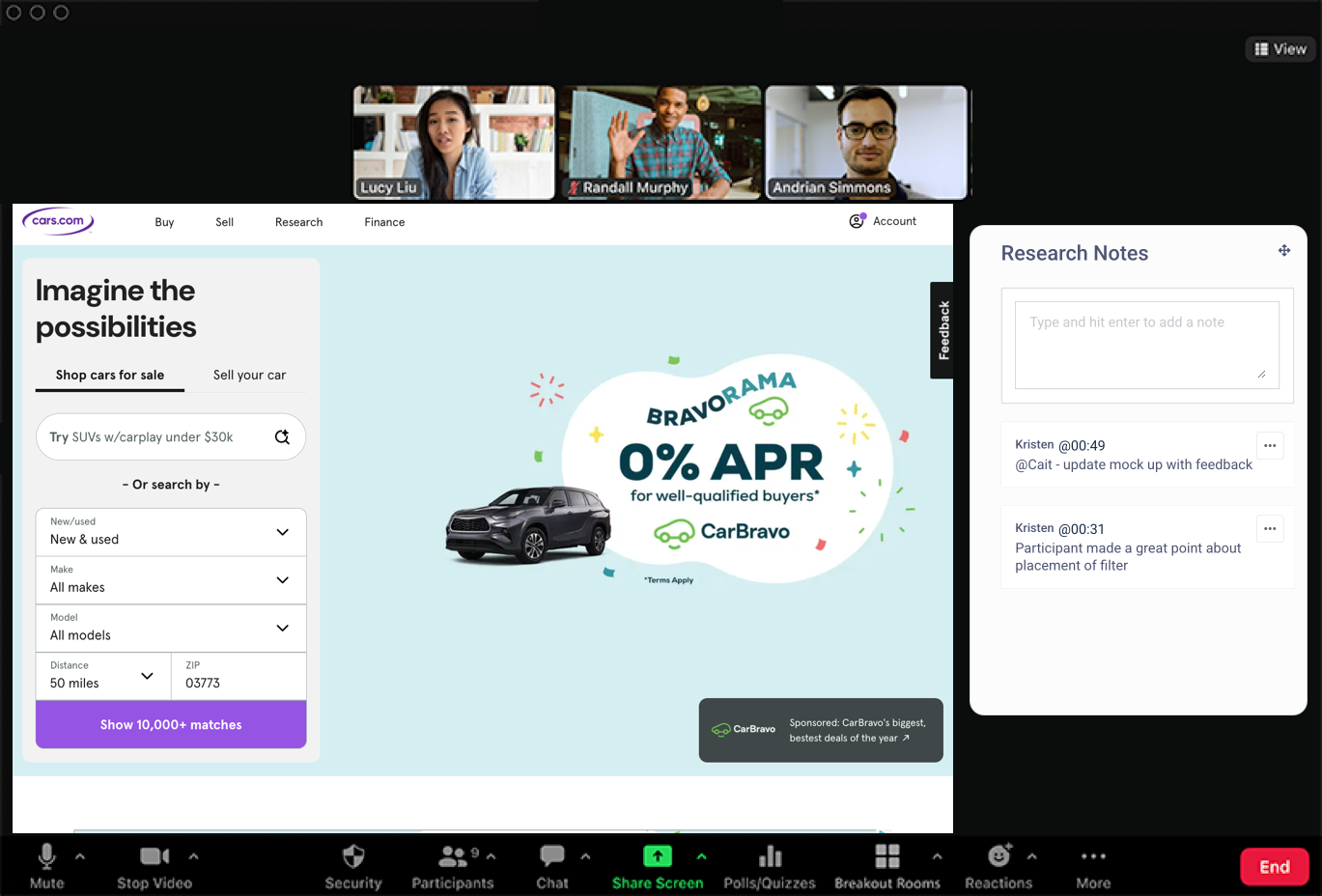
- Built-in video conferencing with live notes
- Hidden observers for stakeholder involvement
- Video, audio, and screen share on all devices
- Remote control
Analyze Research with AI
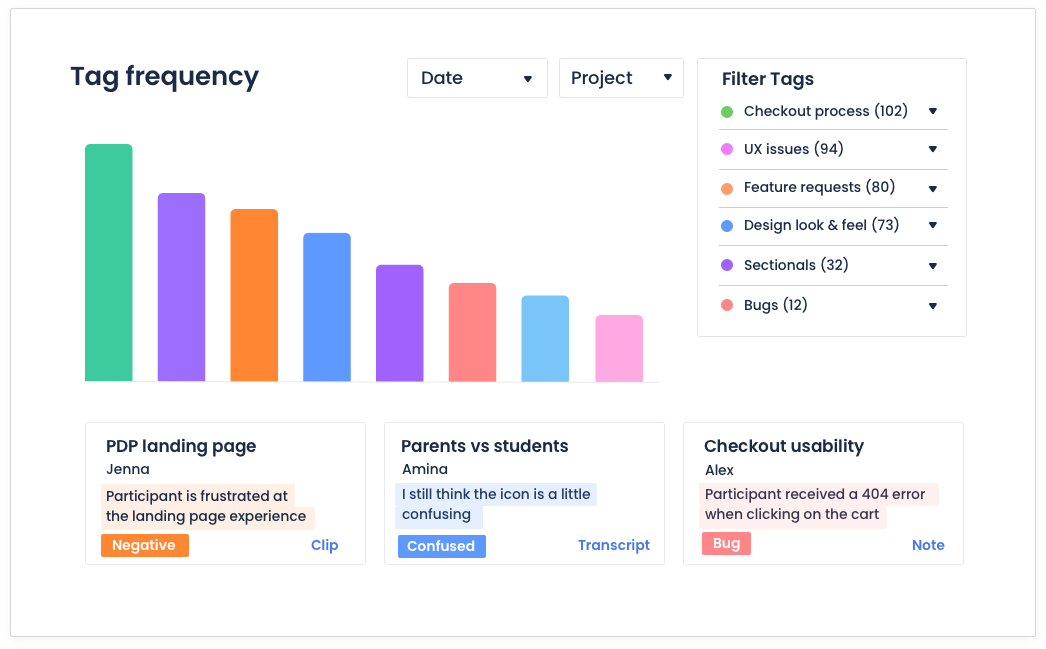
- Searchable transcripts with timestamp navigation
- Notes, tagging & AI theme clustering
- Video clips & highlight reels
- Universal search
- Executive report generation
- API & MCP layer for custom integrations
PlaybookUX has become an essential part of how we validate Copilot features. We go from research question to insight in days, not weeks, and the moderated interview workflow means our whole team can stay involved without juggling five different tools.


AI-Powered Research & Analysis
Let AI handle the analysis so your team can spend more time on the decisions that matter.
API & MCP Layer
Connect PlaybookUX data to your existing workflow with a full API and MCP layer for custom integrations and automation.
Auto-Transcription
Every session is automatically transcribed with speaker labels and searchable timestamps. No manual work required.
AI Theme Clustering
Surface patterns across sessions automatically. AI groups notes and tags into themes so you spot insights faster.
Executive Report Generation
Generate shareable, structured research reports from your sessions in minutes, not days.
Mixed Methods User Research Platform
Your whole research toolkit lives in one place. No switching tools by method.
Unmoderated Testing
Launch self-guided tests at scale. Participants complete tasks on their own time while you capture recordings, clicks, and responses.
- Screen, voice & face recording
- Auto-transcription
- Notes, clips & reels
- Task-level analytics
- Desktop, tablet & mobile
- Figma integration
- Theme & friction analysis
Moderated Interviews
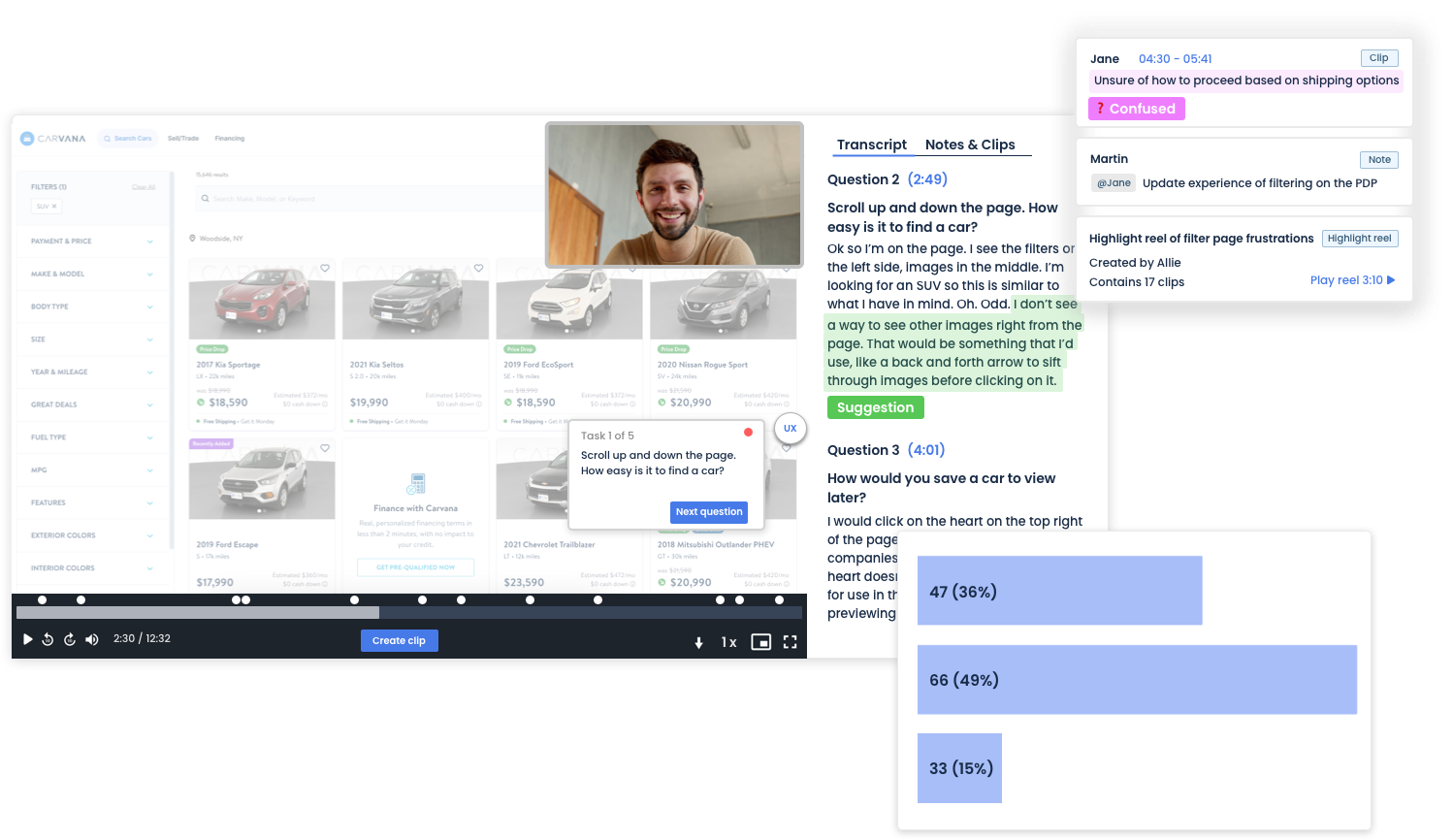
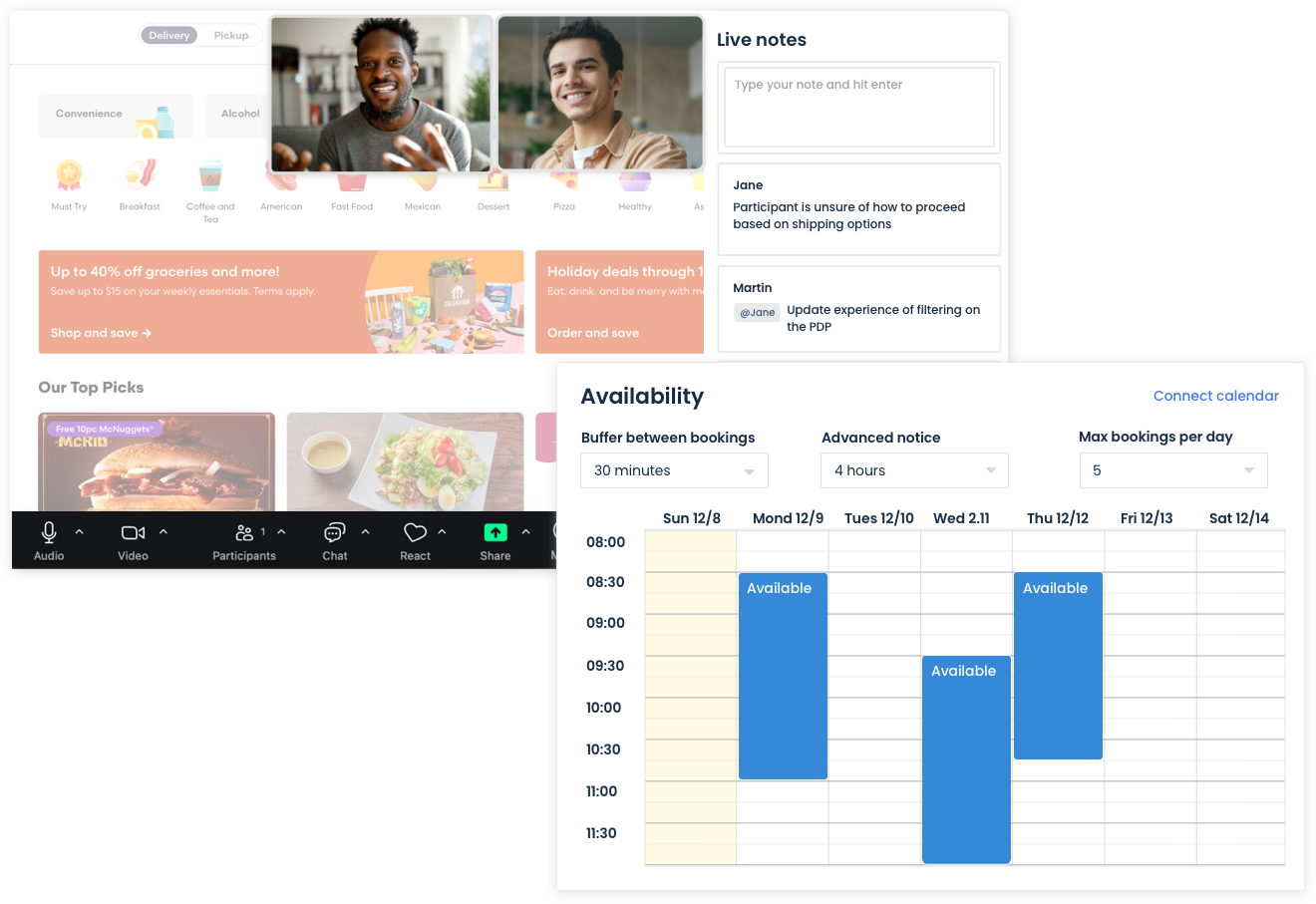
Run live, one-on-one or group sessions with built-in video conferencing, live notes, hidden observers, and automatic recording.
- Built-in video conferencing
- Scheduler
- Live notes & observer view
- Auto recording & transcription
- Works on desktop, tablet & mobile
Surveys
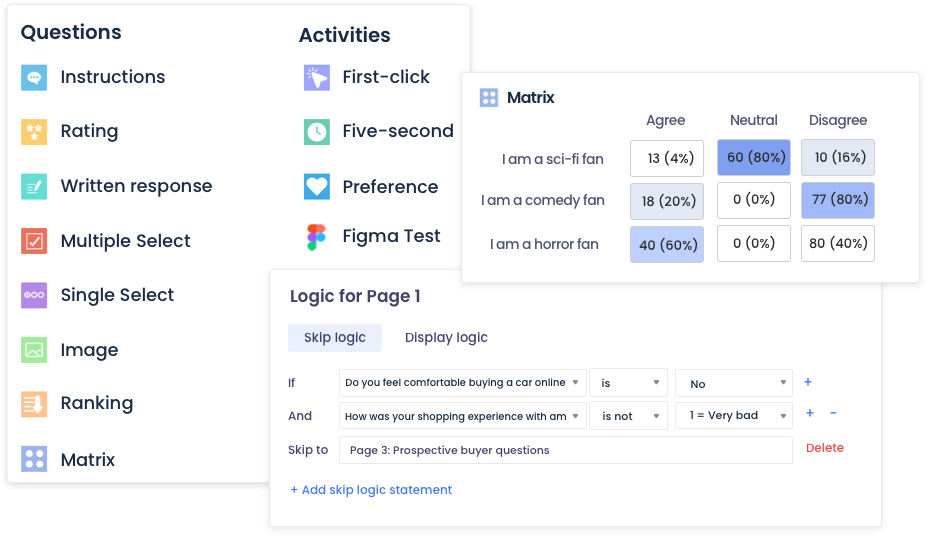
Collect quantitative and qualitative feedback from your panel or your own participants with flexible logic and AI-powered follow-up.
- Multiple question types
- Skip logic & branching
- AI follow-up questions
- Automated data visualization
- Theme & friction analysis
Card Sort
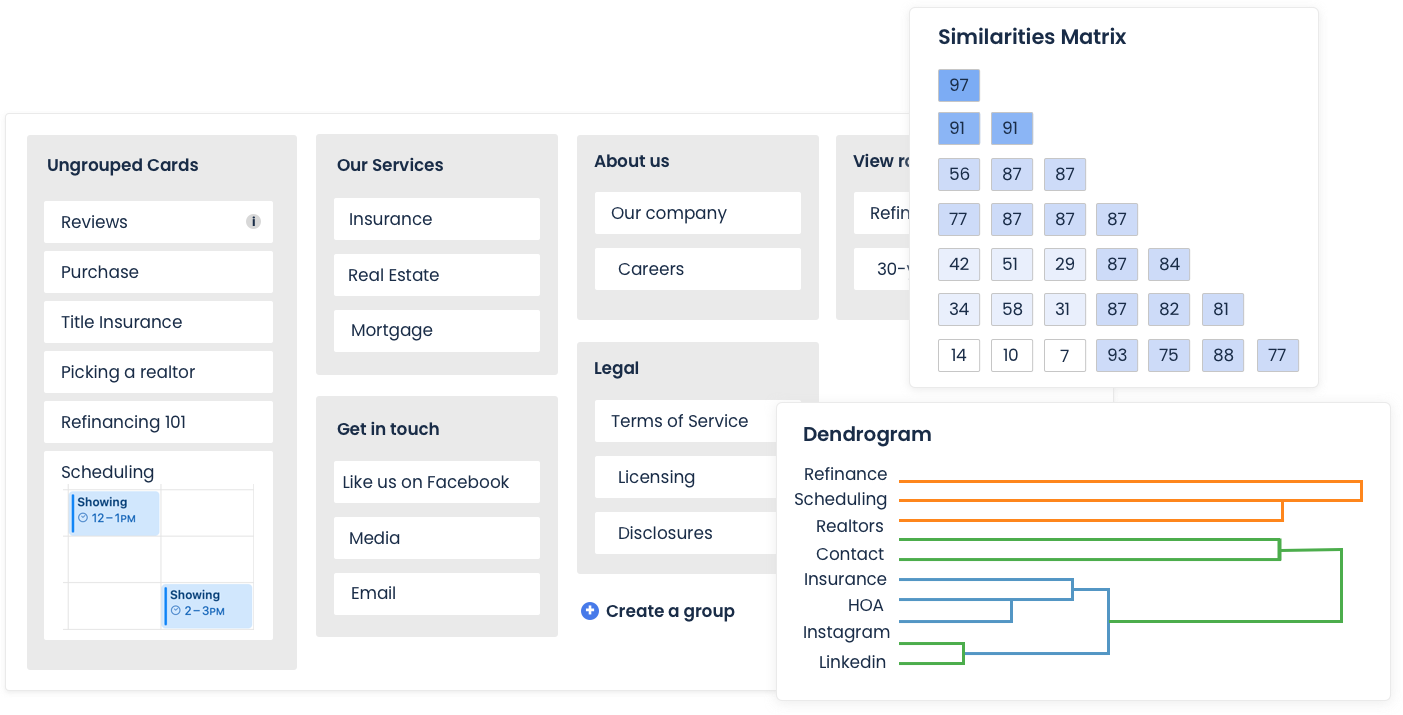
Understand how users mentally organize information. Run open, closed, or hybrid card sorts to inform your IA and navigation.
- Open, closed & hybrid formats
- Dendrograms & similarity matrices
- Participant agreement scores
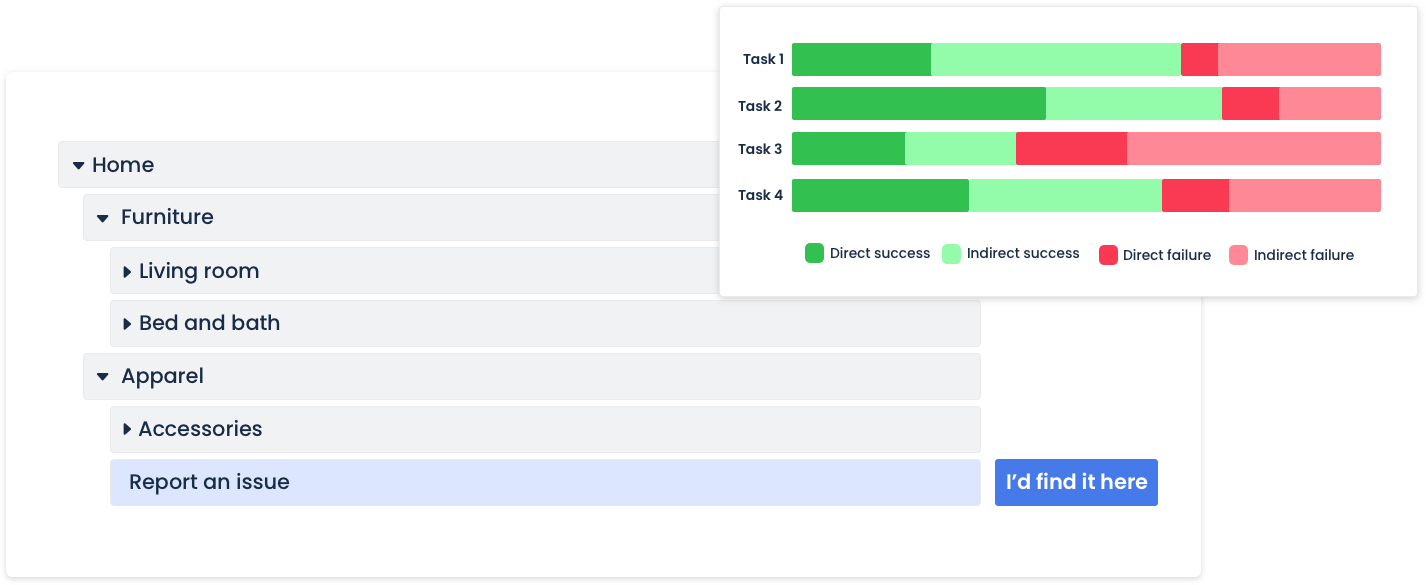
Tree Testing
Validate your navigation structure before you build. See exactly where users get lost and which paths they naturally take.
- Task success & directness scores
- Path analysis visualizations
- First-click data included
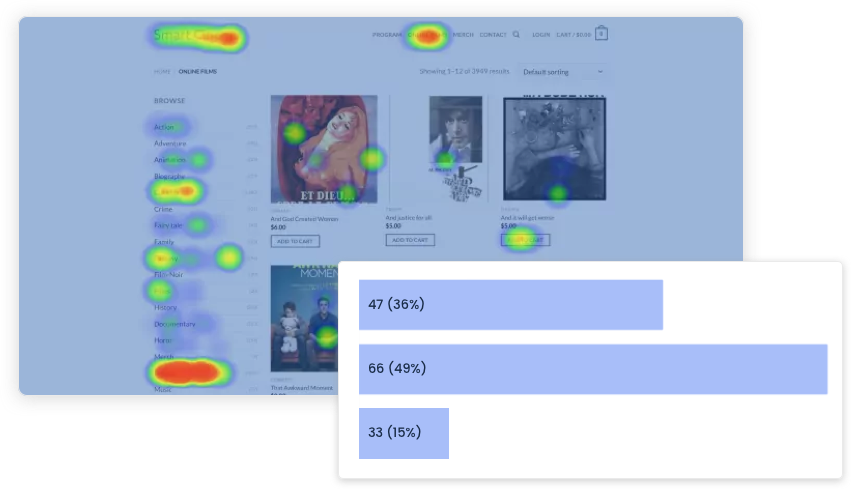
First Click Testing
Find out where users click first on your UI. Identify confusion before it reaches production.
- Click maps
- Heatmaps
- Task completion timing
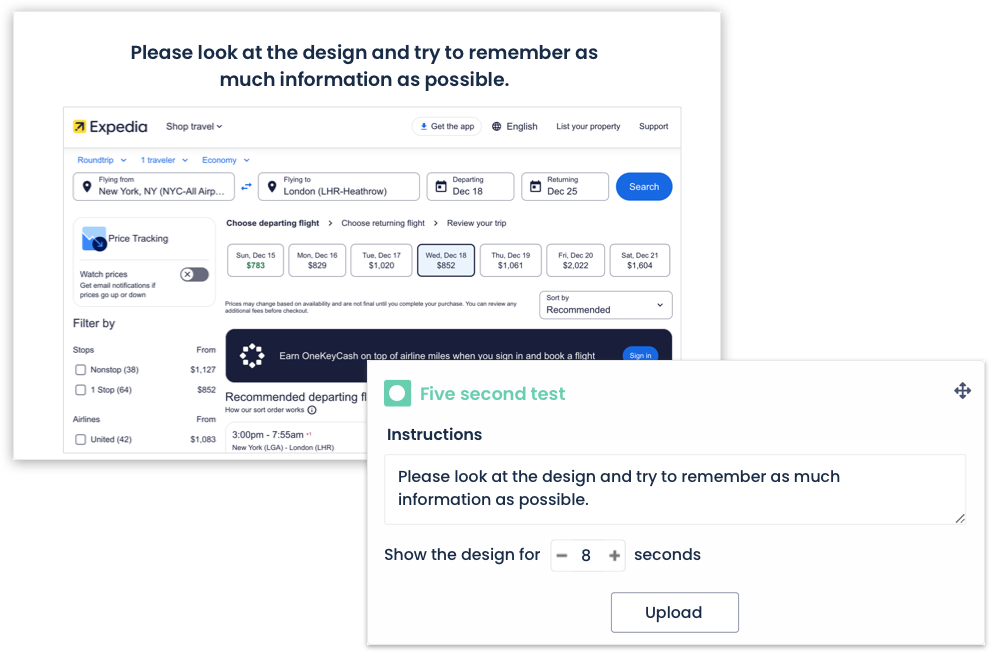
Five Second Testing
Measure first impressions and recall. Show a design for five seconds and capture what users remember most.
- Configurable exposure time
- Follow up questions
- Benchmark across iterations
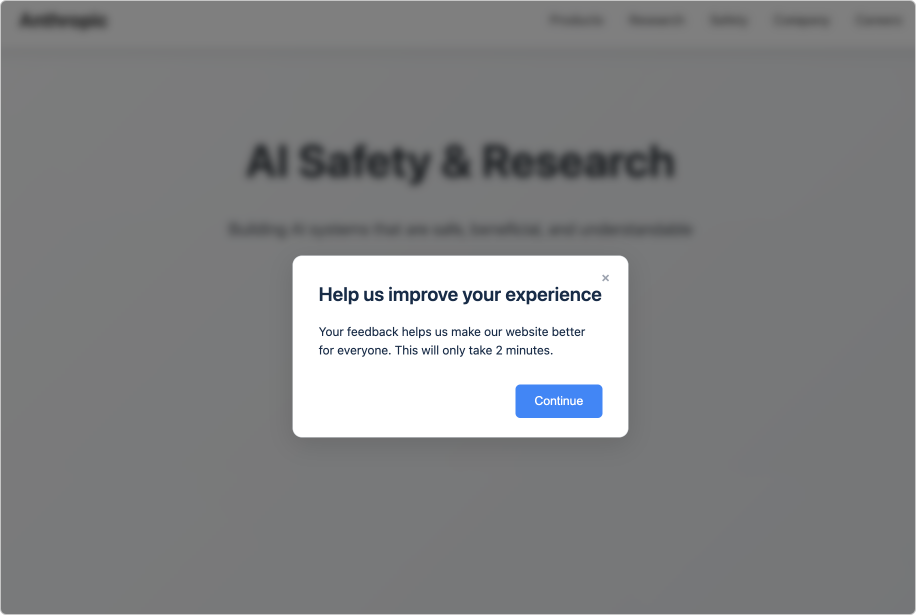
In-Product Intercepts
Trigger micro-surveys and feedback prompts directly inside your product at the moment that matters most.
- Behavior-based triggers
- Embedded screeners
- URL & session targeting
- Enroll in Participant CRM
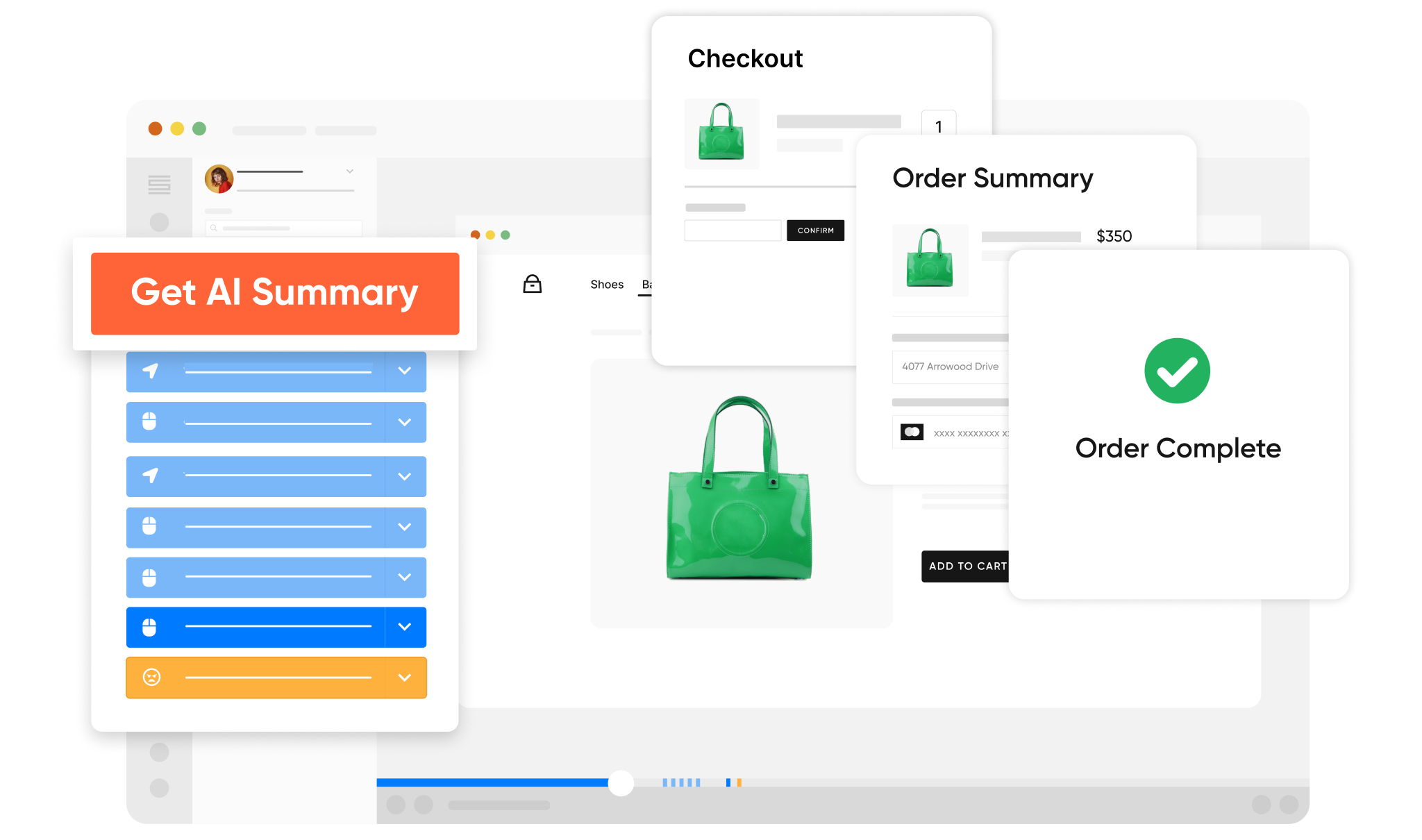
Session Replays
Watch how real users navigate your product. Spot friction, confusion, and drop-off points without running a single live session.
- Click & scroll tracking
- Rage-click detection
- Heatmaps
- AI replay summaries
- Visitor segmentation
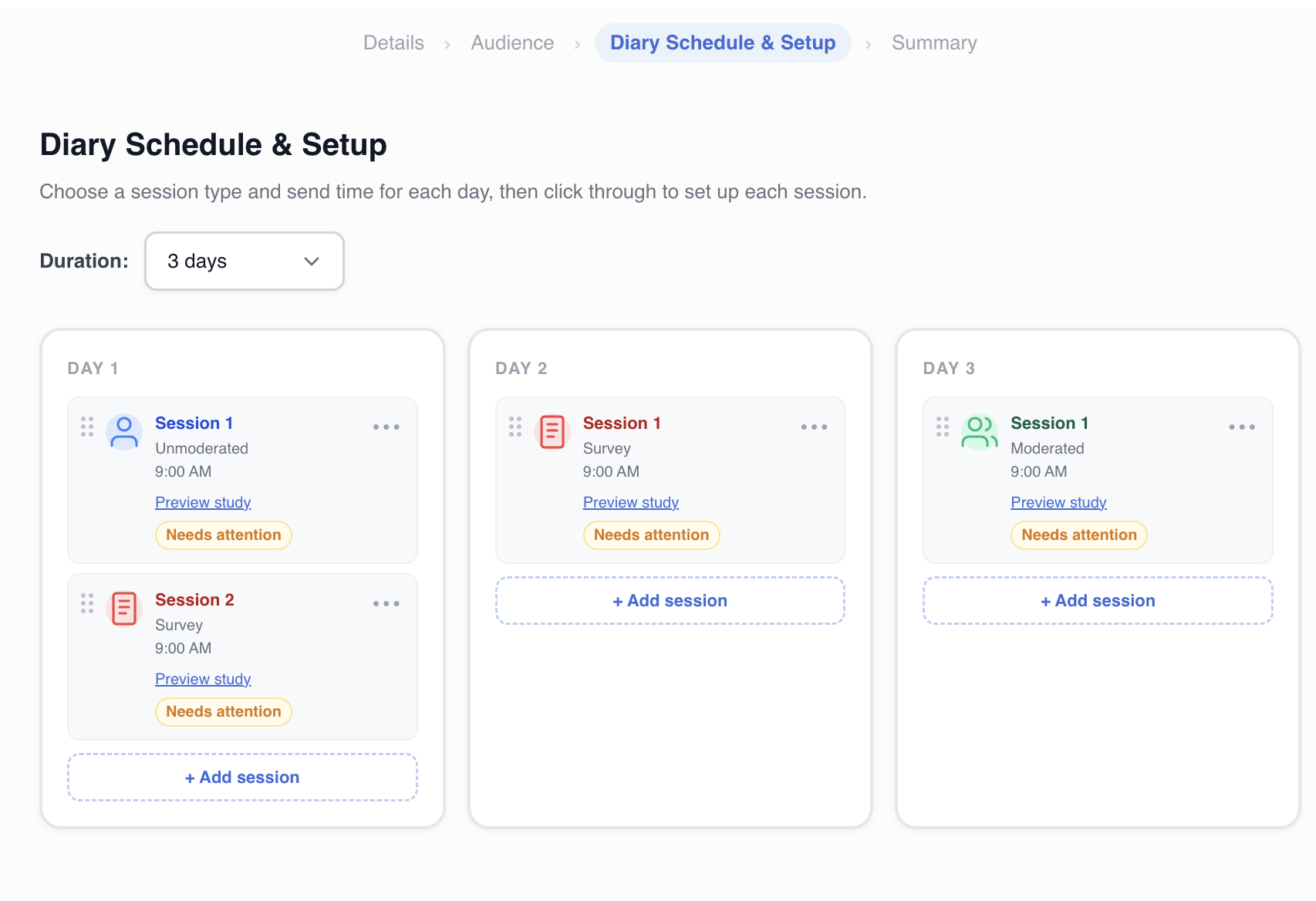
Diary Studies
Capture longitudinal insights over days or weeks. Understand how user behavior and attitudes evolve over time in their natural context.
- Longitudinal research
- In-context capture
- Photo, video and text entries
- Custom prompts and schedules
Trusted by the World's Leading UX Research Teams
See how teams at enterprise companies and fast-growing startups use PlaybookUX to make faster, better decisions.

How Microsoft Uses PlaybookUX to Validate Copilot at Scale
Microsoft's research team uses PlaybookUX to run rapid concept validation studies on Copilot features, moving from idea to insight in days, not weeks.
Read case study →
How Loblaw Runs Research Across Millions of Customers
Loblaw's research team uses PlaybookUX to maintain a direct line to their customers across grocery, pharmacy, and loyalty, seamlessly recruiting, conducting, and analyzing studies in one place.
Read case study →
How Shake Shack Continuously Optimizes Their Digital Experience
Shake Shack uses PlaybookUX to run multiple rounds of comparison testing, continuously refining their mobile ordering experience and product list pages.
Read case study →
How Intuit Uses PlaybookUX to Test and Iterate Quickly
Intuit's team relies on PlaybookUX to test as much as possible, iterate quickly, and move forward running usability studies with speed and confidence.
Read case study →
How Canada Goose Brings the Customer Voice Into Product Decisions
Canada Goose uses PlaybookUX to incorporate user research into their product development cycle ensuring the customer perspective is always present when key decisions are made.
Read case study →Thousands of customer success stories
From startups to Fortune 500 companies across every industry.
Talk to a specialist →Customer success you can actually feel
PlaybookUX customers don't get dropped into a help center. You get real people, fast responses, and a team invested in your research outcomes.
Book a demo →Dedicated Customer Success Manager
Every account gets a dedicated CSM who knows your research goals, helps you onboard, and proactively suggests ways to get more value from the platform.
Fast, Human Support
Our support team responds quickly. Not bots, not ticket queues. Whether it's a question about your study setup or a technical issue, we're here to help you keep moving.
Onboarding & Training
Get up and running fast with personalized onboarding. We'll walk your team through the platform and best practices so you launch your first study with confidence.
Help Center & Documentation
Comprehensive guides, tutorials, and best practices for every feature and methodology available 24/7 so your team can self-serve when they need a quick answer.
Monthly Check-ins & Quarterly Business Reviews
Regular QBRs with your customer success team to review research output, align on goals, surface platform features you may not be using, and plan for the quarter ahead.
99.9% Uptime SLA
Your research can't wait for platform downtime. PlaybookUX is built on enterprise-grade infrastructure with a 99.9% uptime commitment so your studies run when you need them to.
Enterprise-ready software your IT and security teams will approve
PlaybookUX meets the security, compliance, and administrative requirements of the world's most secure organizations.
SSO & SAML
Single sign-on with Okta, Azure AD, and all major identity providers.
SOC 2 Type II & ISO-certified
Independently audited security controls protecting your research data at every layer.
GDPR & CCPA Compliant
Built-in consent management and participant data handling that meets global privacy regulations.
Role-Based Permissions
Granular access controls so admins, researchers, and stakeholders each see the right research.
Multi-Workspace Support
Manage multiple teams or business units under one enterprise agreement with isolated workspaces.
Audit Logs
Full activity logging for compliance and accountability across your entire organization.