
Looking for a Better
User Experience Tool?
Meet PlaybookUX.
If you're searching for the right user research platform, PlaybookUX gives you the full picture: qualitative and quantitative methods, a 7M+ built-in panel, fraud detection, and dedicated support without the feature gaps or high costs.
- Access to all testing methods: Unmoderated, Moderated, Card Sort, Tree Test, Surveys, First Click, Five Second, Preference Test (computer, tablet and mobile)
- PlaybookUX panel access to 7M+ Consumers & Professionals
- Participant CRM to bring your own participants
- Repository features: Tagging, universal search, upload external research
- Advanced AI features
- Session replays & visitor recordings
- In-product intercepts
Contact a product specialist about running a pilot project at no cost.
No commitment required. See PlaybookUX in action with your own research questions.
Trusted by leading teams worldwide


A full end-to-end user experience tool
From recruiting participants to sharing findings, PlaybookUX handles every stage of the research process in one platform.
Recruit
Access 7M+ vetted participants or bring your own through our Participant CRM.
- 7M+ consumer & professional panel
- Advanced screener & targeting
- Bring Your Own Participants (BYOP)
- Automated scheduling & reminders
Conduct
Run any type of study from moderated interviews to self-guided tests on any device.
- Unmoderated & moderated studies
- Card sort, tree test, surveys & more
- Session replays & visitor recordings
- In-product intercepts
Analyze & Repository
Automatically transcribed sessions with tagging, clips, and shareable highlight reels.
- Searchable transcripts with timestamp navigation
- Tagging & theme clustering
- Video clips & highlight reels
- Executive report generation
AI Features
Research intelligence woven into every step no extra cost, no separate tool.
- API & MCP layer
- AI follow-up questions
- Synthetic AI personas
- AI task & replay summaries
- Screener & script generator

PlaybookUX has become an essential part of our research toolkit. It's robust, fast and collaborative, especially when we need to present findings to stakeholders. We can move from concept to validation with speed.
Matthew Ip
Research Lead, Microsoft

Research intelligence, built in
Every PlaybookUX plan includes AI features designed to help you move faster, go deeper, and share findings with confidence.
Start a free pilot →AI Follow-Ups
Get richer insights from every session. Our AI asks smart follow-up questions that capture nuanced responses and additional data points you might have missed.
- Captures depth that static question sets miss
- Surfaces unexpected themes and outlier responses
- Designed to support researchers, not replace them
API + MCP Layer
Extend PlaybookUX beyond the platform. Pull videos, transcripts, and insights directly into your existing workflows, automate project creation at scale, and connect to any tool in your stack.
- Pull videos, transcripts, and insights into any tool
- Connect to your preferred AI tool (i.e. Claude, Copilot, ChatGPT), data warehouse or CRM
- Automate project creation and research operations at scale
Synthetic Participants / AI Personas
Generate lifelike AI personas grounded in your actual video research. Select sessions from your library, enhance with custom prompts, then deploy these personas across future studies for instant feedback and validation.
- Built from real transcripts, video, and behavioral data not generic prompts
- Customizable with additional context and data sources
- Deploy across new studies for rapid early-stage validation
AI Executive Reports
Generate comprehensive executive summaries instantly pulling together study setup, participant demographics, transcriptions, key themes, and participant quotes into a shareable report.
- Key themes surfaced and backed with participant quotes
- Customized recommendations based on learnings
- Cross-language support: run a study in German, get your summary in English
Study Import
Paste in an existing test script, screener, or study outline and our question parser automatically structures it for you pulling out tasks, screener questions, tree test nodes, and card sort items and arranging them directly in your study.
- Parses test scripts and screeners automatically
- Extracts tree test nodes and card sort items
- Arranges everything into your study in seconds
Replay Summaries
Get AI-powered summaries of your session replays that identify the most significant user interactions and suggest concrete UX improvements based on how visitors navigate your site.
- Highlights the interactions that matter most
- Surfaces friction points and navigation patterns
- Actionable UX recommendations not just observations
AI Task Summaries
Analyze verbal, written, and behavioral data from specific research tasks. Our AI identifies recurring themes, measures participant sentiment, and flags outlier responses across your study.
- Works across verbal, written, and behavioral data
- Sentiment measurement, friction detection and theme clustering
- Outlier detection to catch edge cases
Screener & Study Question Checker
Practice good research governance with AI-powered screener and question reviews. Catch common research mistakes or bias/leading questions before they affect your data quality.
- Flags missing "none of the above" options that force irrelevant answers
- Identifies leading questions that bias responses
- Catches vague options like "sometimes" or "often"
- Surfaces industry jargon that may confuse participants
Screener & Study Script Generator
Build complete screener questionnaires and study guides from scratch. Share your research objectives and any materials you're testing we'll create unbiased scripts that get you the insights you need.
- Full screener questionnaires generated from your objectives
- Unbiased question framing built in by default
- Works with any materials you're testing prototypes, copy, flows
We support all research methods
Whether you need qual, quant, or a mix run any type of study on desktop, tablet, or mobile without leaving PlaybookUX.
Unmoderated Testing
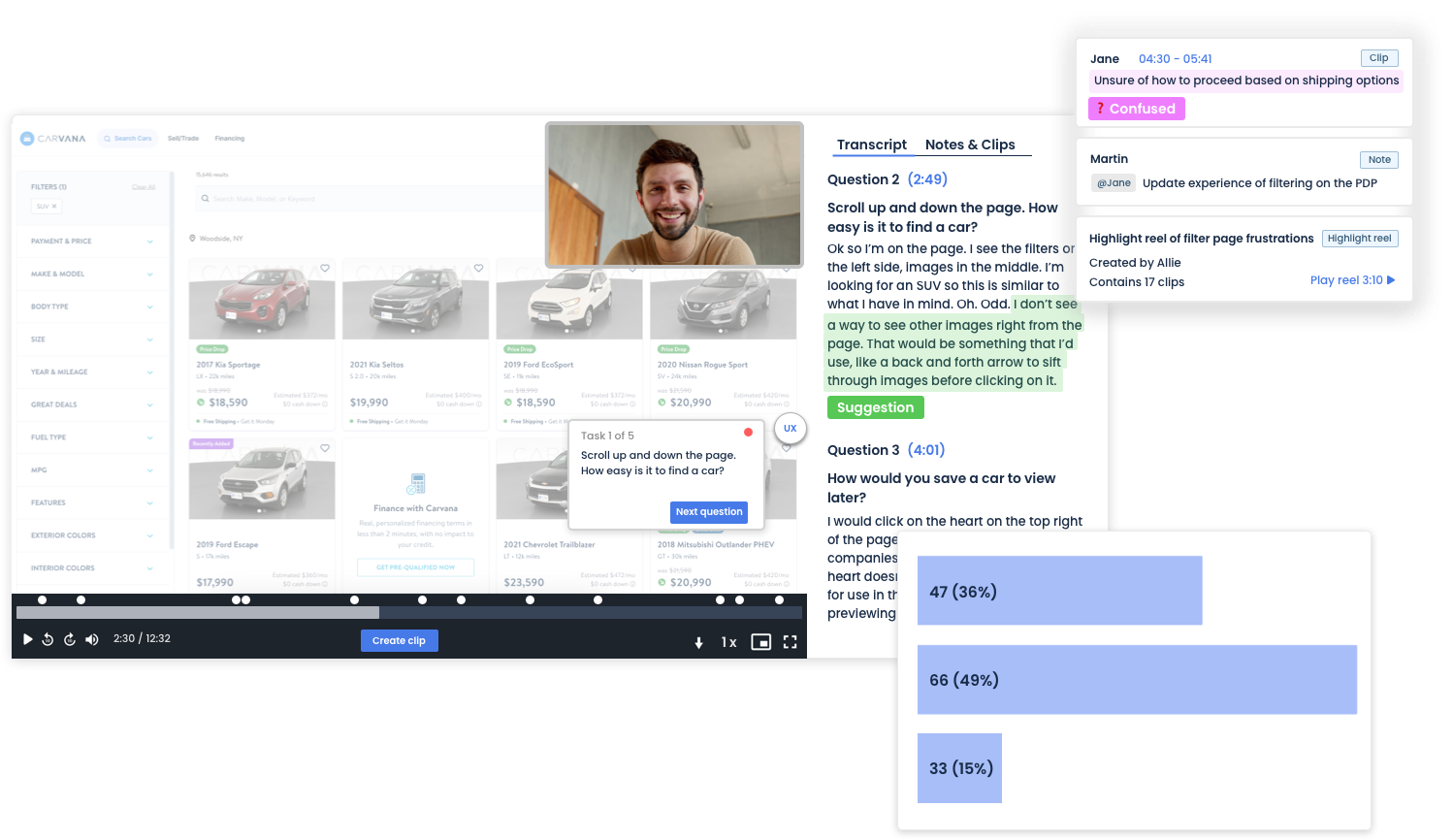
Capture authentic user behavior by letting participants complete tasks at their own pace. Record screens, faces, and audio then get auto-transcribed sessions ready for analysis. Test live websites, mobile apps, prototypes and more.
Moderated Interviews
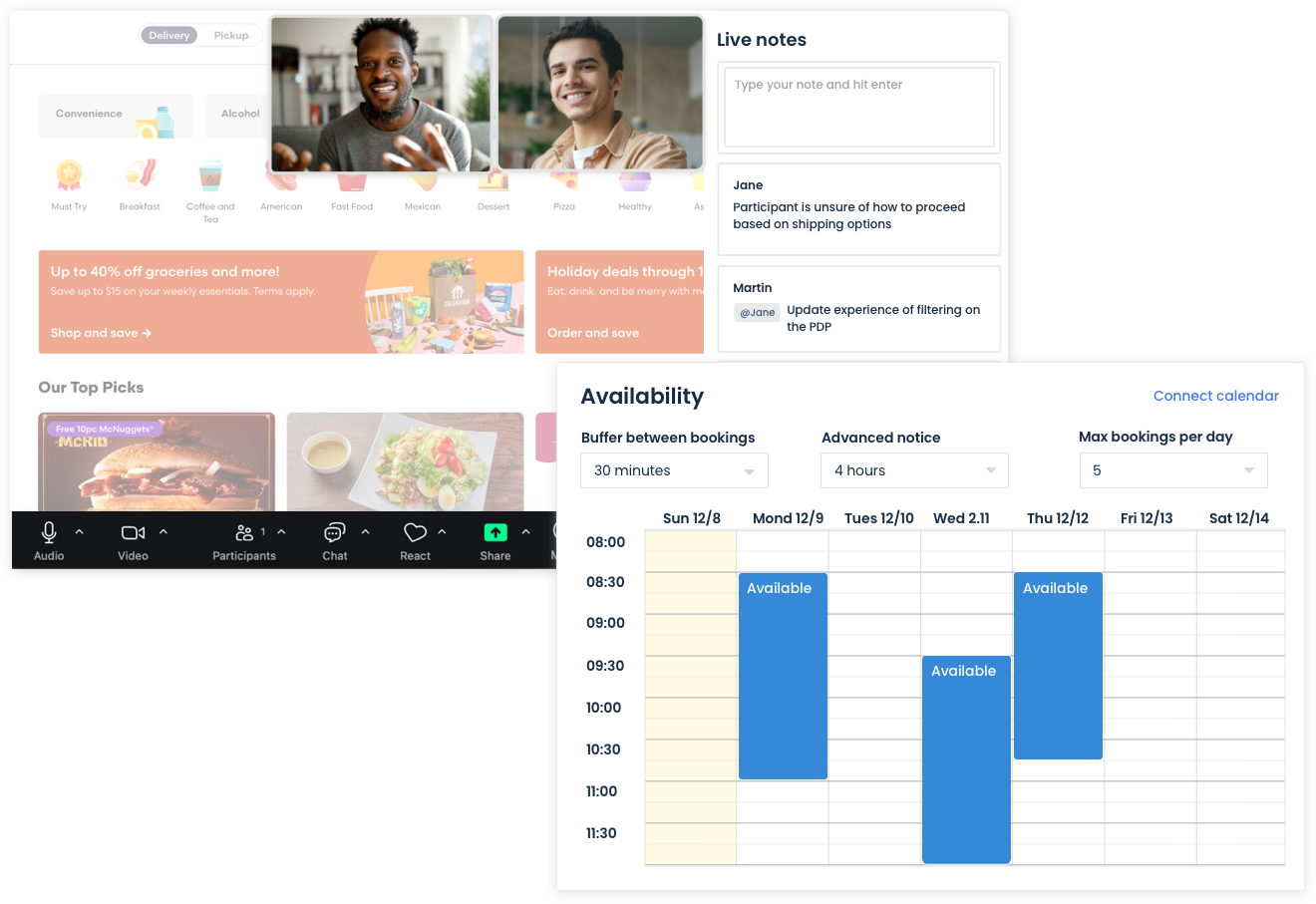
Live video interviews with your participants. Take notes in real-time, share your screen, and record the full session all within PlaybookUX.
Surveys
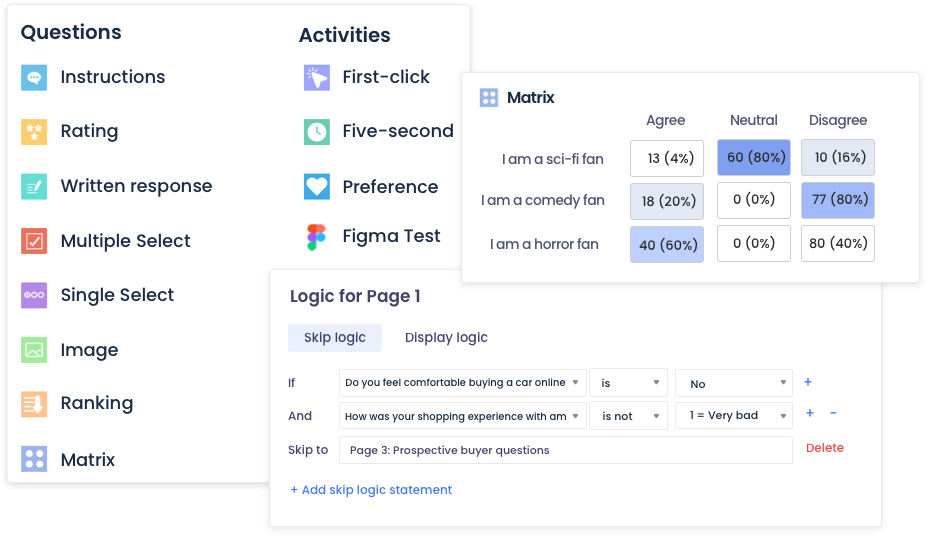
Collect structured feedback at scale. Use multiple question types, branch logic, and tap into our 7M+ panel to get responses fast.
Card Sort
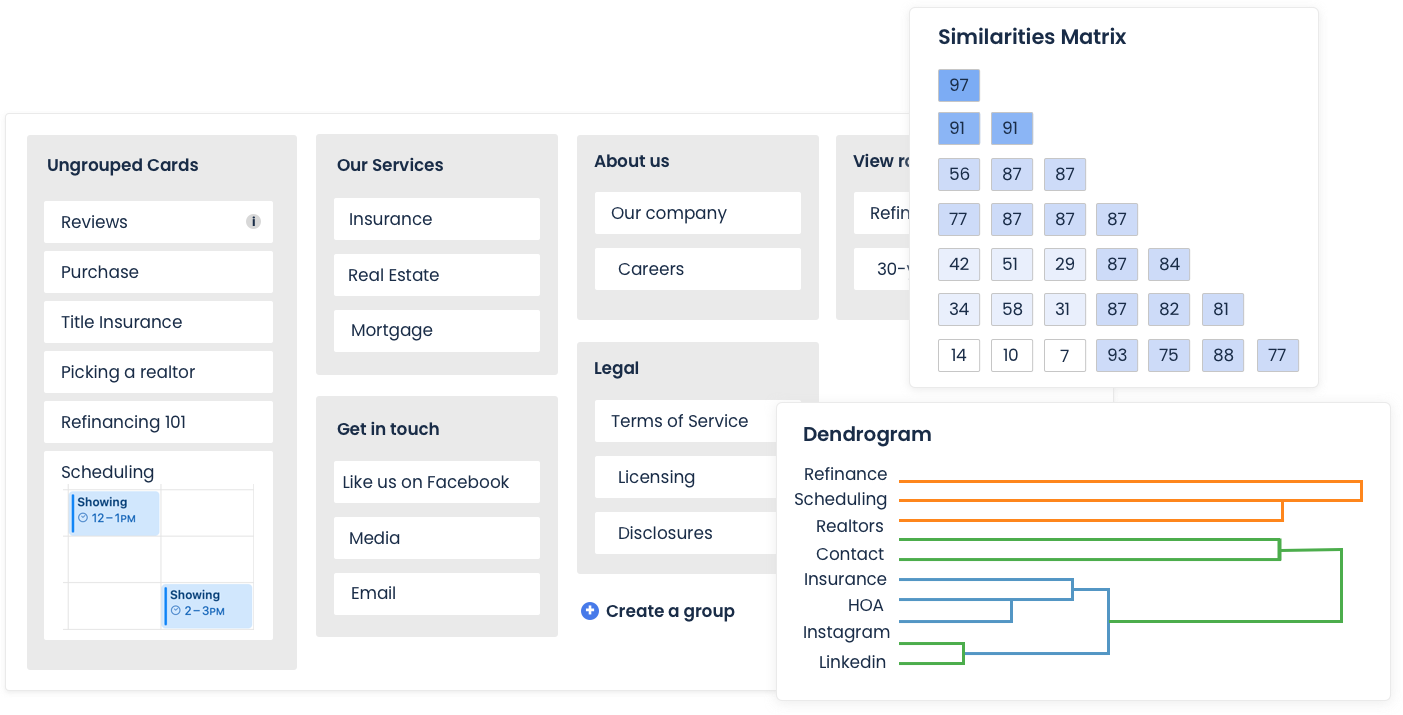
Understand how users mentally categorize information. Run open, closed, or hybrid card sorts to inform your navigation and IA decisions.
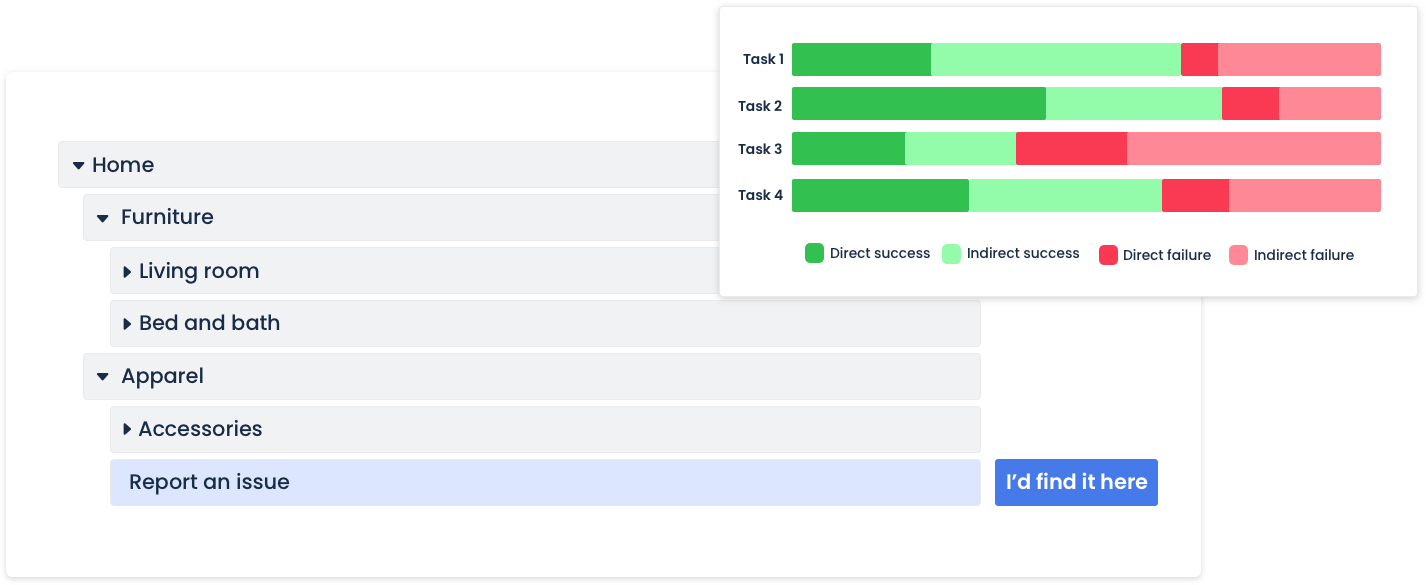
Tree Test
Validate your navigation structure without visual design bias. See exactly where users get lost and measure task success rates across your entire site hierarchy.
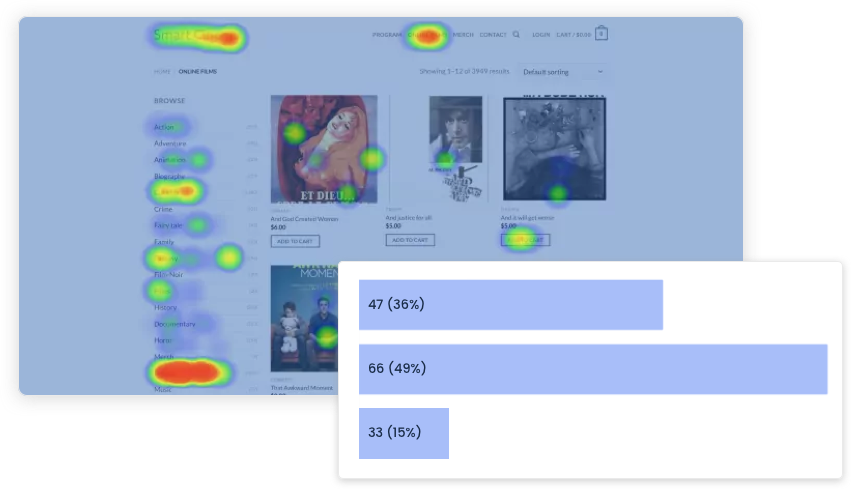
First Click Test
Measure where users click first when completing a task. Heat maps and click distribution data reveal whether your UI design leads users in the right direction.
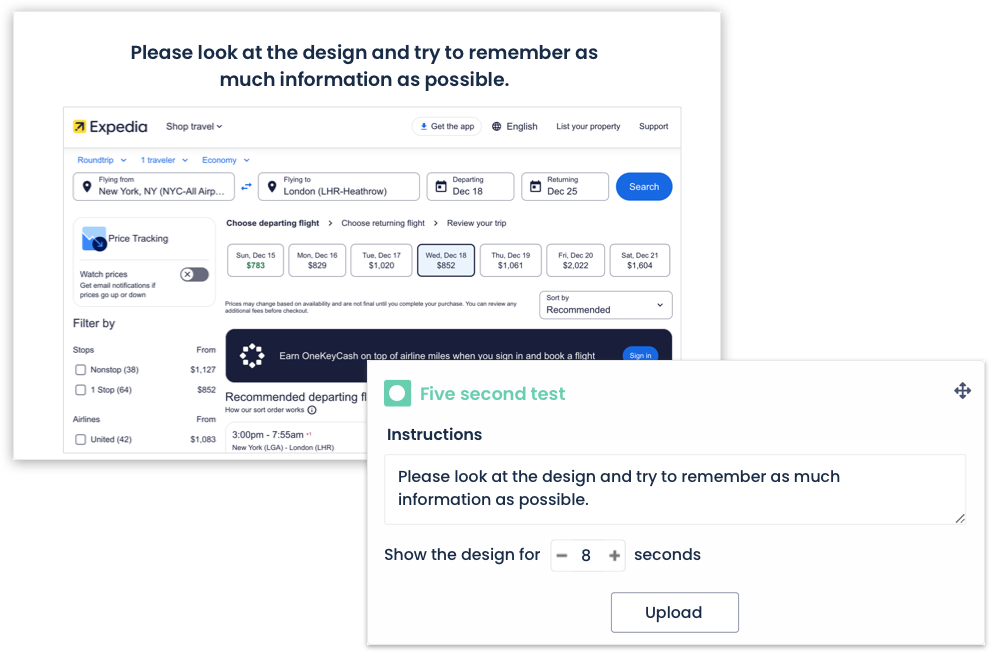
Five Second Test
Find out what users remember after a brief first impression. Show your design for 5 seconds, then capture what stood out perfect for testing landing pages and ads.
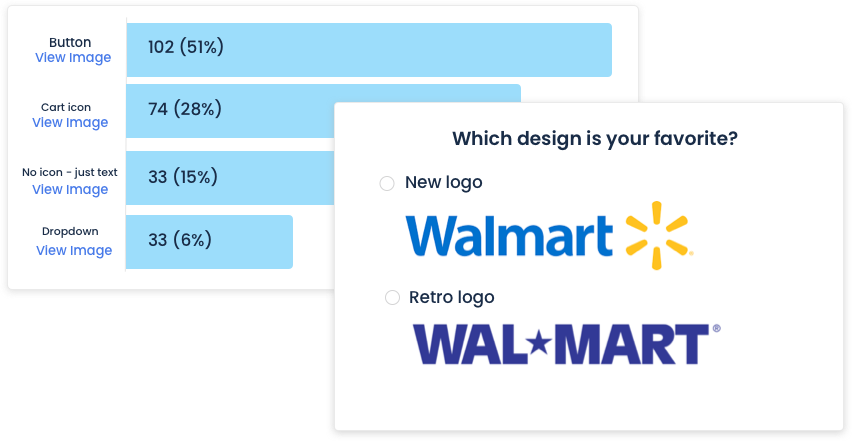
Preference Test
Show two or more design variations side by side and let participants choose their preference. Get clear directional data and open-ended reasoning.
In-Product Intercepts
Recruit participants directly from your live product. Trigger surveys and screeners based on user behavior to reach exactly the right people at the right moment.
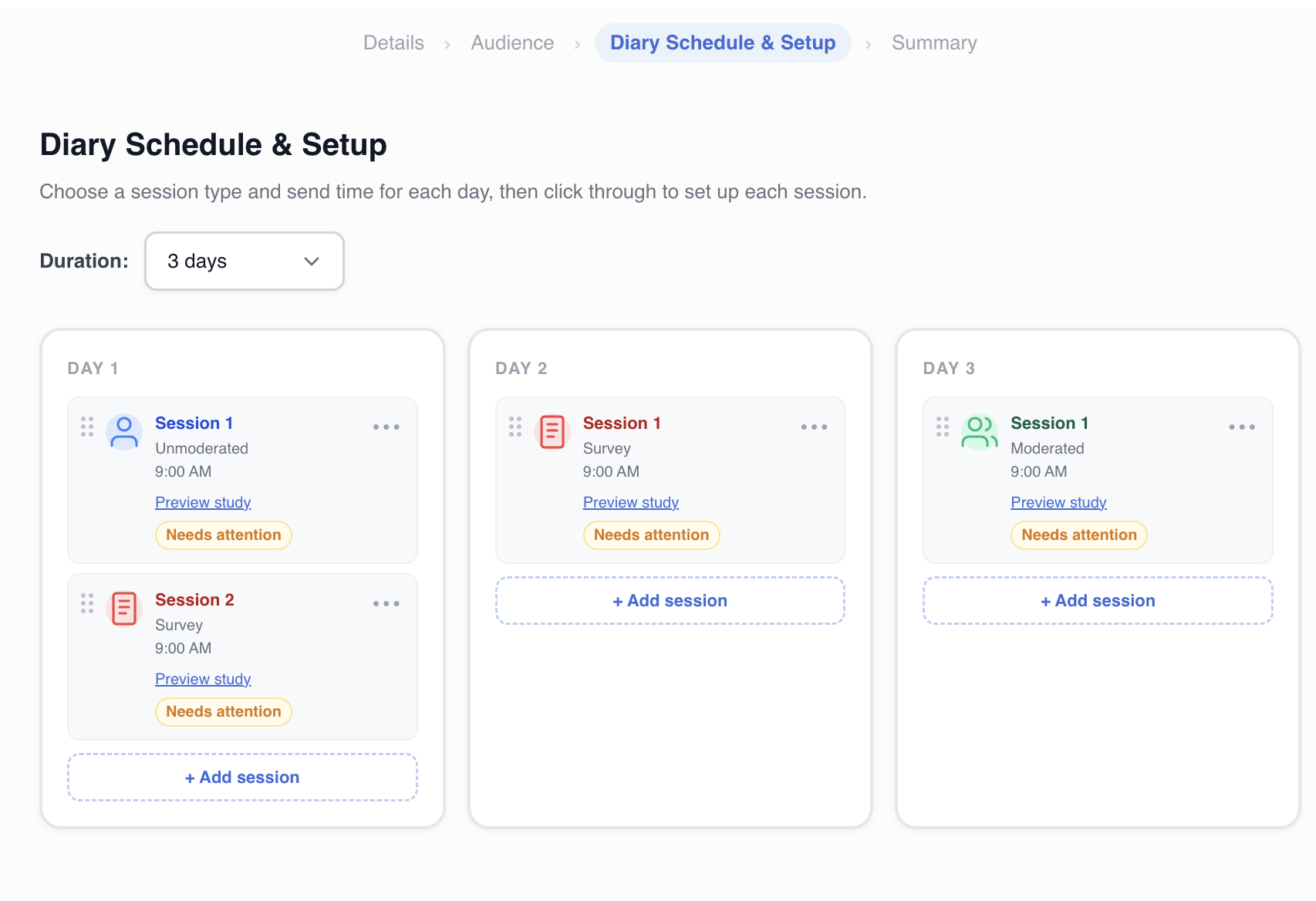
Diary Study
Capture longitudinal insights over days or weeks. Participants log experiences, thoughts, and behaviors in their natural environment perfect for understanding habits and long-term product usage.
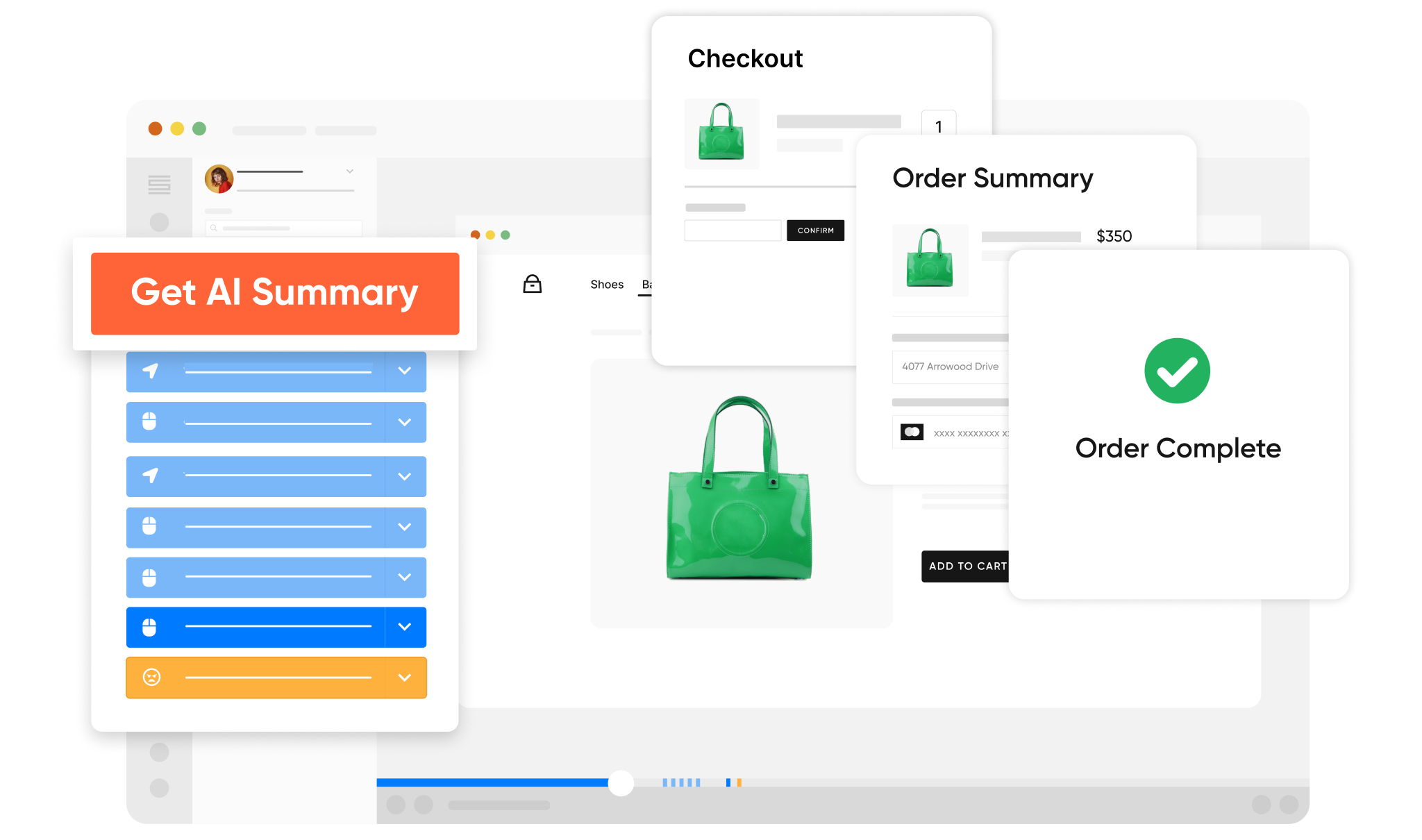
Session Replays
Watch real visitors navigate your site. Record clicks, scrolls, and rage-clicks to diagnose UX problems and understand how users actually interact with your product.
Trusted by the world's leading research teams
See how teams at enterprise companies and fast-growing startups use PlaybookUX to make faster, better decisions.
Start a free pilot →
How Microsoft Uses PlaybookUX to Validate Copilot at Scale
Microsoft's research team uses PlaybookUX to run rapid concept validation studies on Copilot features moving from idea to insight in days, not weeks.
Read case study →
How Loblaw Runs Research Across Millions of Customers
Loblaw's research team uses PlaybookUX to maintain a direct line to their customers across grocery, pharmacy, and loyalty seamlessly recruiting, conducting, and analyzing studies in one place.
Read case study →
How Shake Shack Continuously Optimizes Their Digital Experience
Shake Shack uses PlaybookUX to run multiple rounds of comparison testing, continuously refining their mobile ordering experience and product list pages.
Read case study →
How Intuit Uses PlaybookUX to Test and Iterate Quickly
Intuit's team relies on PlaybookUX to test as much as possible, iterate quickly, and move forward running usability studies across their product suite with speed and confidence.
Read case study →
How Canada Goose Brings the Customer Voice Into Product Decisions
Canada Goose uses PlaybookUX to incorporate user research into their product development cycle ensuring the customer perspective is always present when key decisions are made.
Read case study →And many more
Thousands of customer success stories
From startups to Fortune 500 companies across every industry.
Talk to a specialist →Customer success you can actually feel
PlaybookUX customers don't get dropped into a help center. You get real people, fast responses, and a team invested in your research outcomes.
Book a demo →Dedicated Customer Success Manager
Every account gets a dedicated CSM who knows your research goals, helps you onboard, and proactively suggests ways to get more value from the platform.
Fast, Human Support
Our support team responds quickly not bots, not ticket queues. Whether it's a question about your study setup or a technical issue, we're here to help you keep moving.
Onboarding & Training
Get up and running fast with personalized onboarding. We'll walk your team through the platform and best practices so you launch your first study with confidence.
Help Center & Documentation
Comprehensive guides, tutorials, and best practices for every feature and methodology available 24/7 so your team can self-serve when they need a quick answer.
Monthly Check-ins & Quarterly Business Reviews
Regular QBRs with your customer success team to review research output, align on goals, surface platform features you may not be using, and plan for the quarter ahead.
99.9% Uptime SLA
Your research can't wait for platform downtime. PlaybookUX is built on enterprise-grade infrastructure with a 99.9% uptime commitment so your studies run when you need them to.
Enterprise-ready software your IT and security teams will approve
PlaybookUX meets the security, compliance, and administrative requirements of the world's most secure organizations.
SSO & SAML
Single sign-on with Okta, Azure AD, and all major identity providers.
SOC 2 Type II & ISO-certified
Independently audited security controls protecting your research data at every layer.
GDPR & CCPA Compliant
Built-in consent management and participant data handling that meets global privacy regulations.
Role-Based Permissions
Granular access controls so admins, researchers, and stakeholders each see the right research.
Multi-Workspace Support
Manage multiple teams or business units under one enterprise agreement with isolated workspaces.
Audit Logs
Full activity logging for compliance and accountability across your entire organization.
Ready to try the best user experience tool for your team?
Contact a product specialist and run a pilot project at no cost.
Talk to a specialist →