
Intercepts: Recruit the Right Participants Right From Your Product
Intercepts let you capture feedback in the moment by surfacing a study invitation to real users while they're actively using your product or website. No waiting, no friction.
Get StartedTrusted by leading teams worldwide


Powerful Use Cases
Send them a PlaybookUX research study, invite them to join a private panel, or ask them to participate in a quick survey.
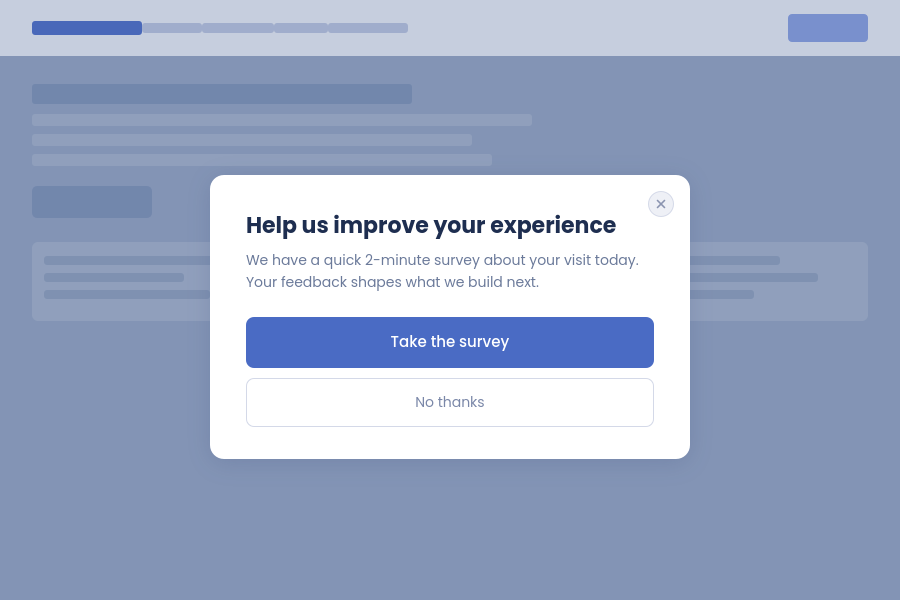
Send built-in research studies in contextual moments
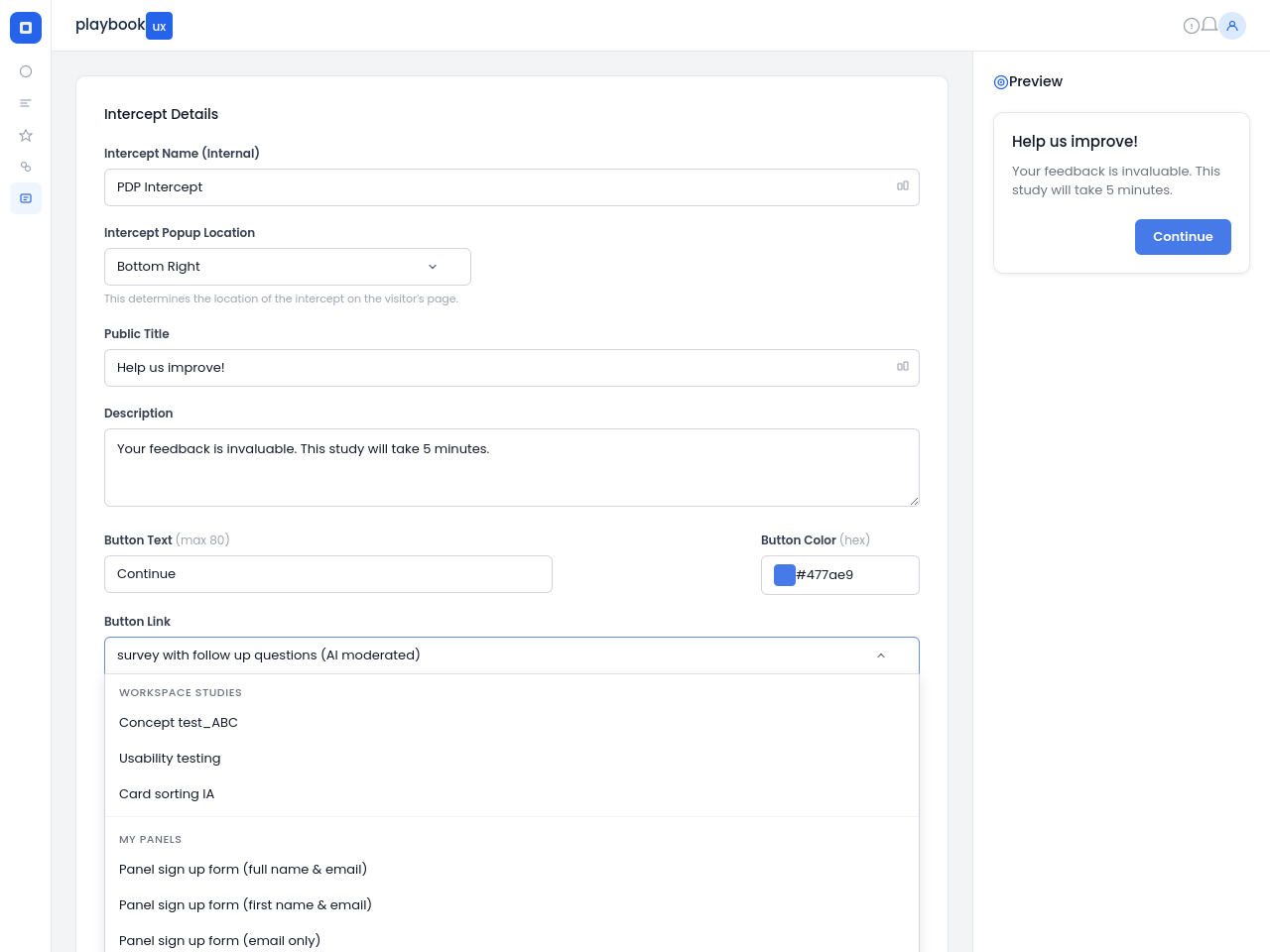
Link to Any PlaybookUX Study in One ClickOnce your intercept is live, getting participants into a study is seamless. Select any existing study from your PlaybookUX account and the intercept will route participants directly to it. There is no need to copy links, manage separate URLs, or manually track who came from where. Intercepts work with every study type on the platform, so no matter what kind of research you are running, you can recruit for it in context.
- Unmoderated tests
- Moderated interview scheduler
- Figma / Prototype tests
- Card sort
- Tree test
- Survey
- First click
- Five second test
- Preference test
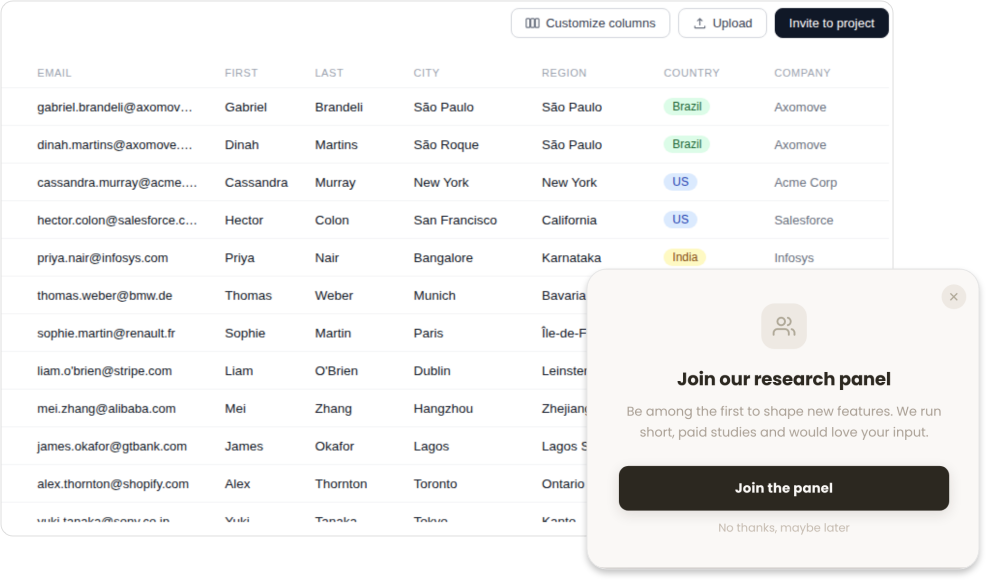
Build Your Participant CRM
Turn Website Visitors Into Research ParticipantsSome of your best research participants are already visiting your website or using your product every day. Intercepts give you a way to capture that interest before it disappears. When a visitor clicks through, they can sign up through a built-in form that adds them directly to your Participant CRM in PlaybookUX. From there, you can contact them for future studies, filter them by attributes, and build a private panel of opted-in participants who already know your product. Over time, your panel grows organically and you spend less time on recruitment and more time on research.
- Built-in sign up form on the intercept
- Participants automatically added to your private panel
- Filter and segment by attributes for future studies
- Own your research audience outright
Show Up at Exactly the Right Time
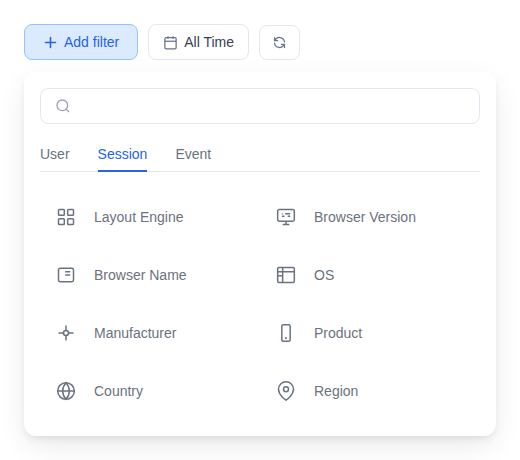
Set your intercept to trigger when a visitor lands on a specific page, or configure a Funnel to target users who have navigated through a defined series of pages. A Funnel lets you intercept users based on a sequence of behavior, so instead of popping up on the first page someone visits, you can wait until they have moved through a checkout flow, explored a core feature, or completed a key task.
That means higher quality participants, more relevant responses, and less noise in your data.
- Trigger on a specific page or URL pattern
- Funnel targeting based on a series of visited pages
- Time-on-page delay controls
- Frequency caps per user
- Total response limits to avoid over-recruiting
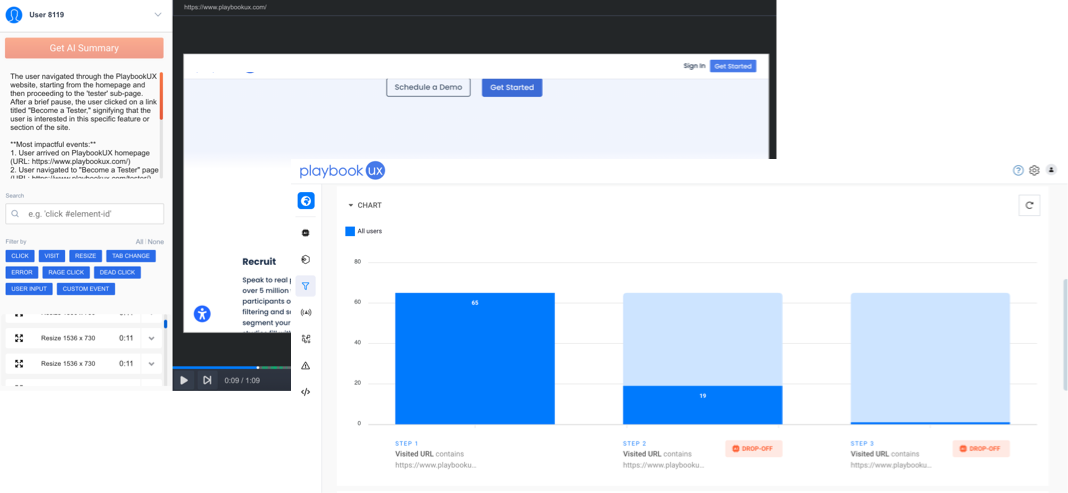
Replay the Journey Behind Every Response
PlaybookUX automatically captures session recordings of visitors who completed your intercept, so you can watch exactly how they navigated your product before they responded.
- Automatic recordings tied to intercept completions
- Watch real navigation paths before participants responded
- Identify hesitation points, rage clicks, and drop-off moments
- Connect behavioral data to your research findings
- Filter replays by intercept to focus on the right audience
Customize Every Detail
Your intercept should feel like a natural extension of your product, not an interruption. PlaybookUX gives you full control over the look and feel of every intercept you launch.
Choose where the popup appears on the page, write a title that speaks directly to your audience, and craft a description that sets expectations and drives clicks. Set your button text, apply your exact brand color using a hex code, and link participants to the right destination.
- Set popup location: bottom right, bottom left, center, and more
- Custom public title and description copy
- Button text and hex color branding
- Live preview as you build
Built-in Participant Panel: 7M Global Participants
If you need help recruiting, gain instant access to a global network of over 7 million people, available on-demand whenever you need them. Effortlessly refine your audience to target the right participants by demographics, behavior, profession, and more, so every response comes from someone who matters to your research.
Results in minutes, not weeks. Our streamlined platform gets your study in front of qualified respondents fast, delivering high-quality data at a pace that keeps up with your decisions.
Learn more about the PlaybookUX Participant Panel →